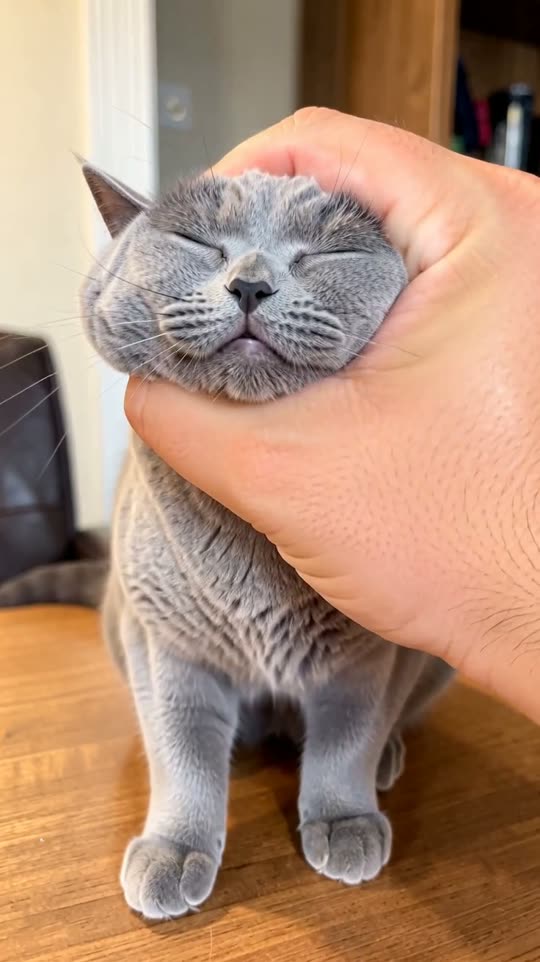
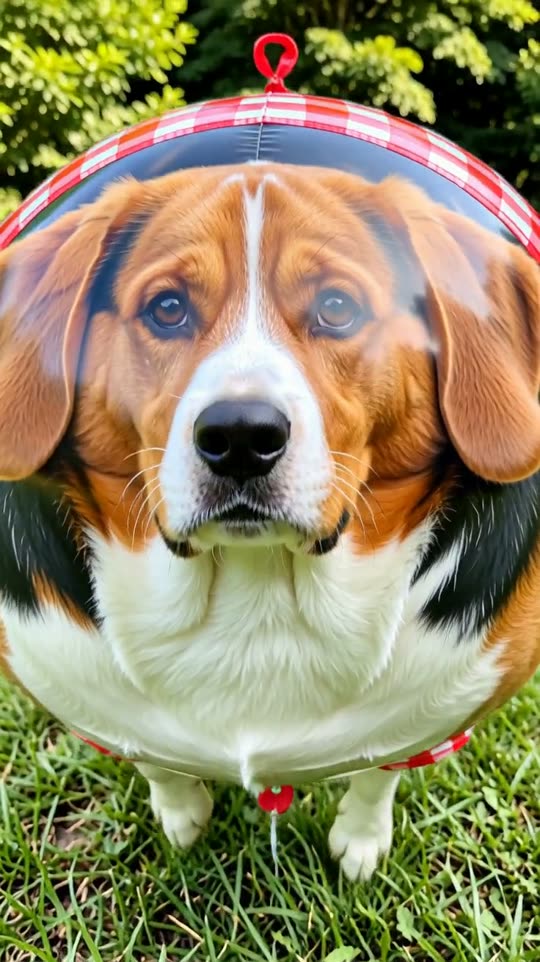
What is the AI age progression effect?
Your photo ages in one smooth shot: fine lines appear, the hair turns grey and then white, and you end up about 90 years old, still clearly you. A fun way to see your future self, or to surprise a friend.
How to make an AI age progression video
- 1Open the effectClick “Make your own” on this page. You land on the Age progression form in GenTok.
- 2Add your photoA photo of a face, looking at the camera. Drop it, paste it or pick a file. You can add a few words, for example “anything to add, e.g. ends with a warm laugh”.
- 3Choose the formatVertical 9:16 for TikTok, Reels and Shorts, wide 16:9 for YouTube, or square 1:1.
- 4Create and downloadYour MP4 is ready in about two minutes. Upscale it to HD if you like.
Age progression effect FAQ
How do I make an AI age progression video?+
Open the Age progression effect, upload a photo of a face, looking at the camera, choose vertical, wide or square and press Create. Your video is ready in about two minutes.
How much does the age progression effect cost?+
Every video shows its price in credits before you create it (1 credit = $0.01). A 5-second Premium video is usually about 42 credits. Images on GenTok are free, 10 a day.
Will my age progression video look like the examples?+
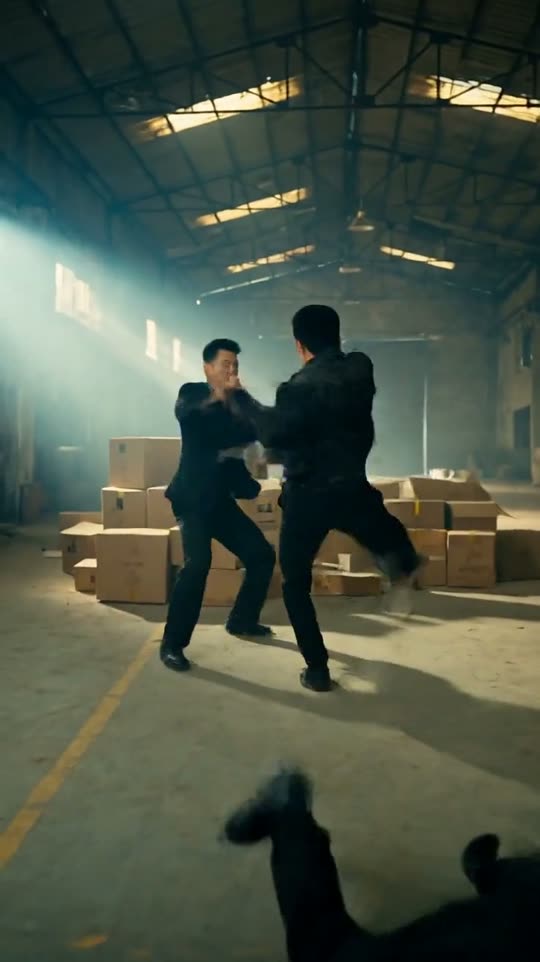
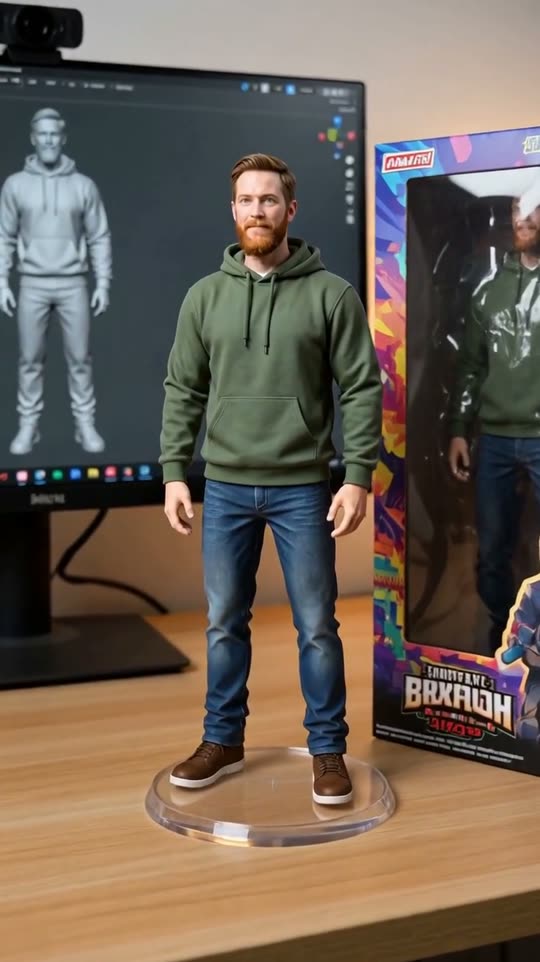
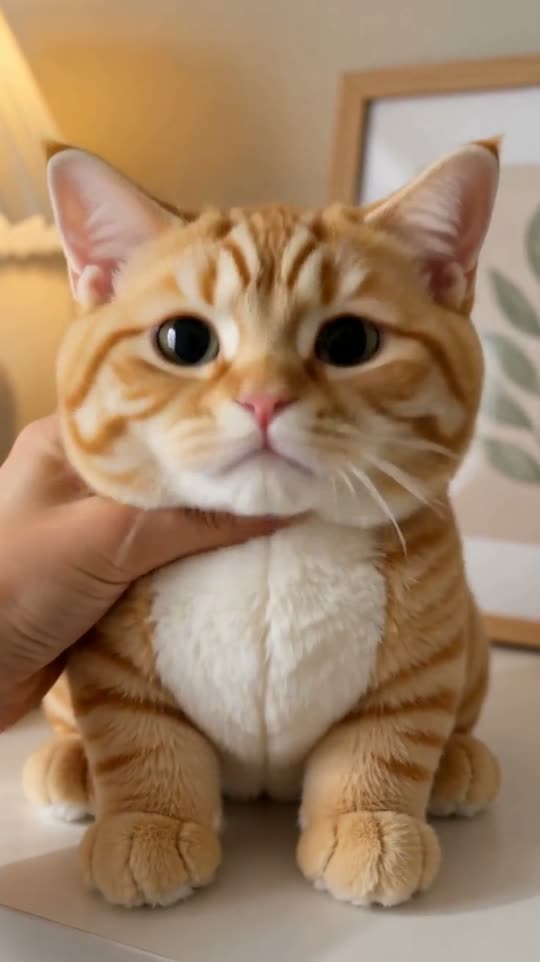
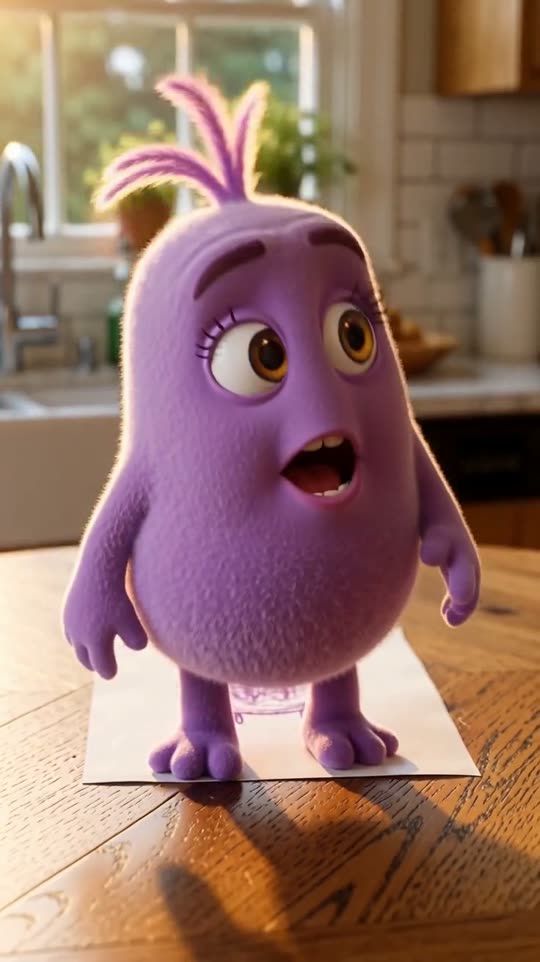
Yes. The camera, light and style come from the effect's own prompt, so results look like the five examples above. Only your photo changes.
Can I use the age progression video on TikTok, Reels or YouTube?+
Yes. Download the MP4 and post it anywhere, including for your business. Vertical 9:16 fits TikTok, Reels and Shorts; wide 16:9 fits YouTube.