
Make AI videos in Claude and ChatGPT
Add GenTok as a connector and ask for a video in plain words. The chat picks the effect, shows the price and hands you the finished clip.
- 1Click the button. Claude opens with GenTok already filled in.
- 2Click Add, then Connect.
- 3Sign in to GenTok and press Allow.
- 4Ask in any chat: “Make a tornado video over a red barn”.
Here you go — the Tornado effect, vertical, 5 seconds. It used 20 of your credits.
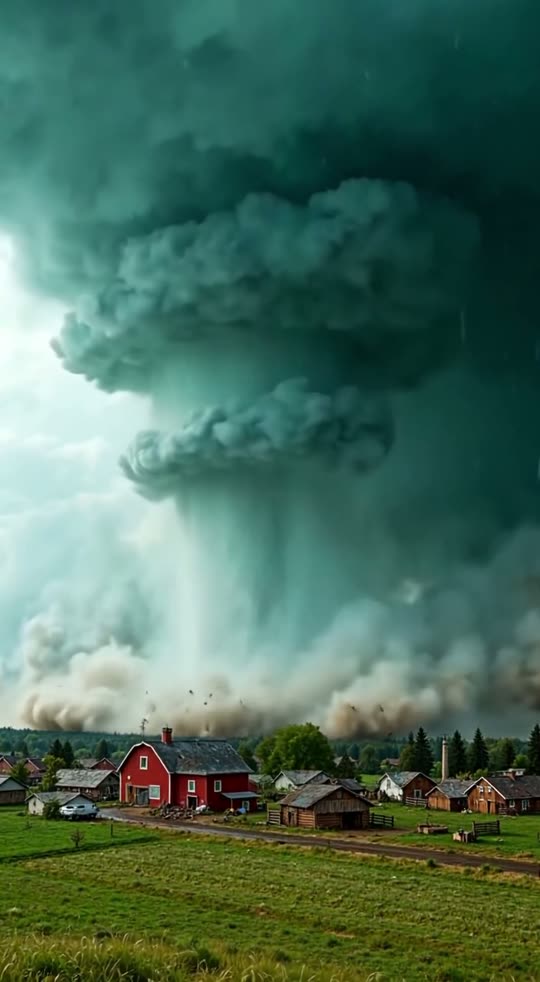
tornado-red-barn.mp4
Things you can ask
- “Make a tornado video over a red barn for TikTok”
- “Turn “a chocolate bunny” into a melting video”
- “Create a free image of a cozy cabin in the snow”
- “What effects do you have for funny pet videos?”
- “How many credits do I have left?”
What the connector can do
- list_effects
- Finds the right effect for what you asked
- quote
- Tells you the price in credits before anything is made
- create_video
- Starts the video; ready in 1–3 minutes
- create_image
- Makes an image; free up to 10 a day
- check_status
- Waits for the result and returns the link
- get_balance
- Your credits and free images left today
Server address: https://app.gentok.ai/mcp (MCP over HTTP, sign-in with OAuth).
Questions
Do I need a GenTok account?+
Yes. When you connect, GenTok asks you to sign in and allow access. New accounts get 10 free images every day.
What does it cost?+
The same as on gentok.ai: images are free up to 10 a day, videos use credits (1 credit = $0.01). The chat tells you the price before it creates a video.
Does Claude or ChatGPT see my password?+
No. You sign in on GenTok's own page and the chat only gets a key that can create on your account. Remove the connector to cut it off.
Can I use effects that need my photo?+
Not from the chat yet. For Action figure, Age progression and other photo effects the chat gives you a link to make it on GenTok.