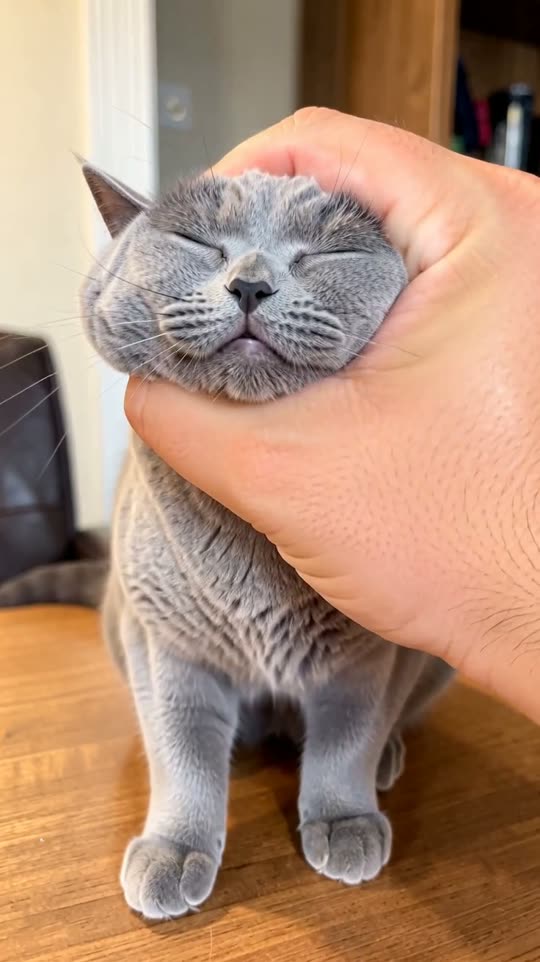
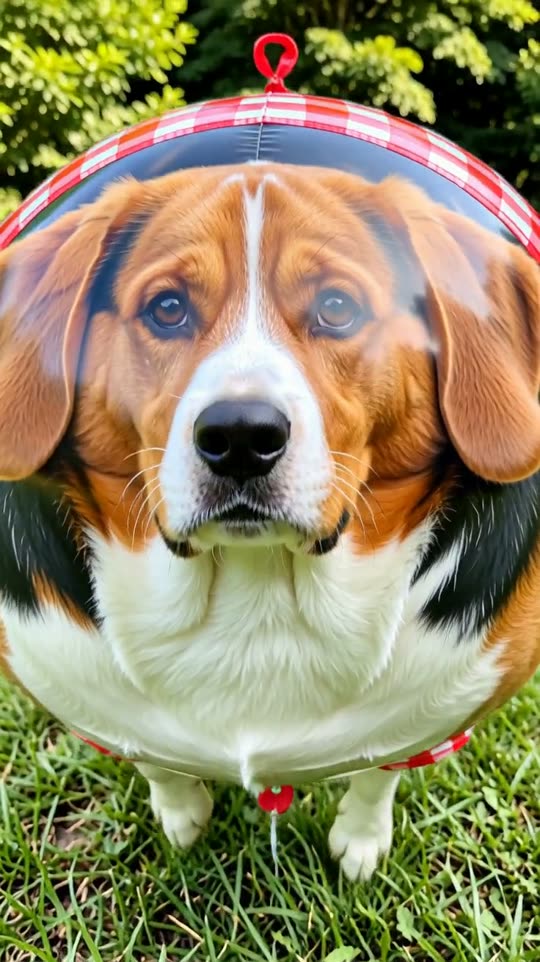
What is the AI red carpet effect?
Step out of a black car onto the red carpet while a wall of photographers flashes away, then strike your pose at the backdrop. Star treatment from one photo.
How to make an AI red carpet video
- 1Open the effectClick “Make your own” on this page. You land on the Red carpet form in GenTok.
- 2Add your photoA photo of you, looking at the camera. Drop it, paste it or pick a file. You can add a few words, for example “the outfit, e.g. a silver suit”.
- 3Choose the formatVertical 9:16 for TikTok, Reels and Shorts, wide 16:9 for YouTube, or square 1:1.
- 4Create and downloadYour MP4 is ready in about two minutes. Upscale it to HD if you like.
Red carpet effect FAQ
How do I make an AI red carpet video?+
Open the Red carpet effect, upload a photo of you, looking at the camera, choose vertical, wide or square and press Create. Your video is ready in about two minutes.
How much does the red carpet effect cost?+
Every video shows its price in credits before you create it (1 credit = $0.01). A 5-second Premium video is usually about 42 credits. Images on GenTok are free, 10 a day.
Will my red carpet video look like the examples?+
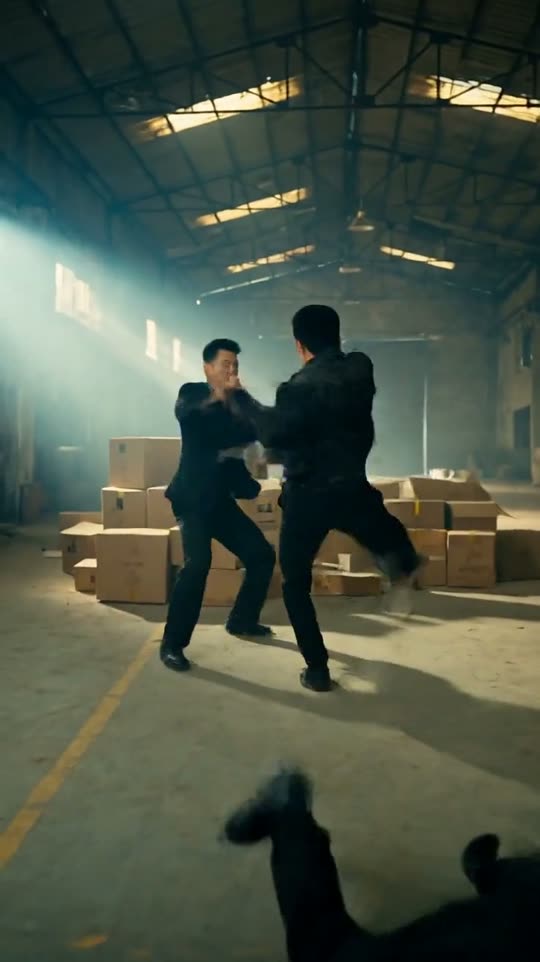
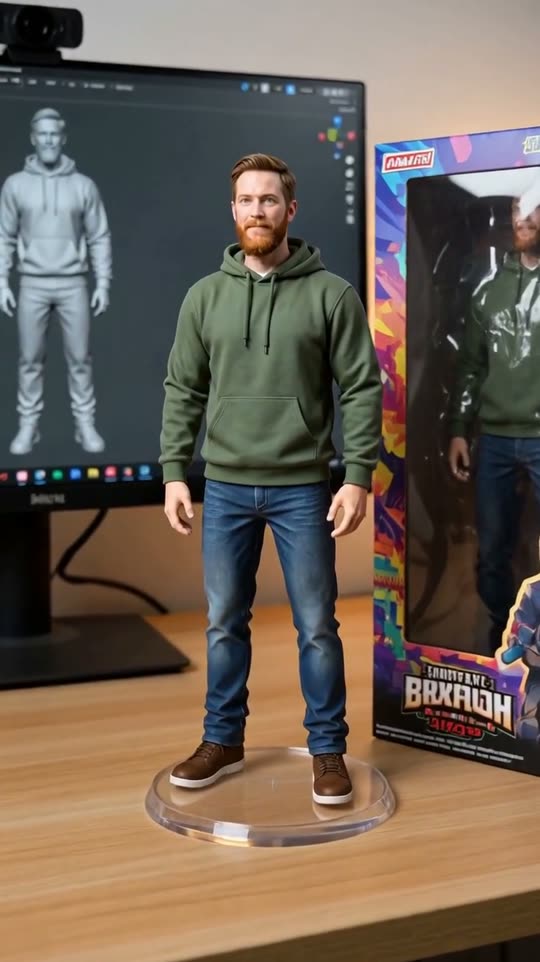
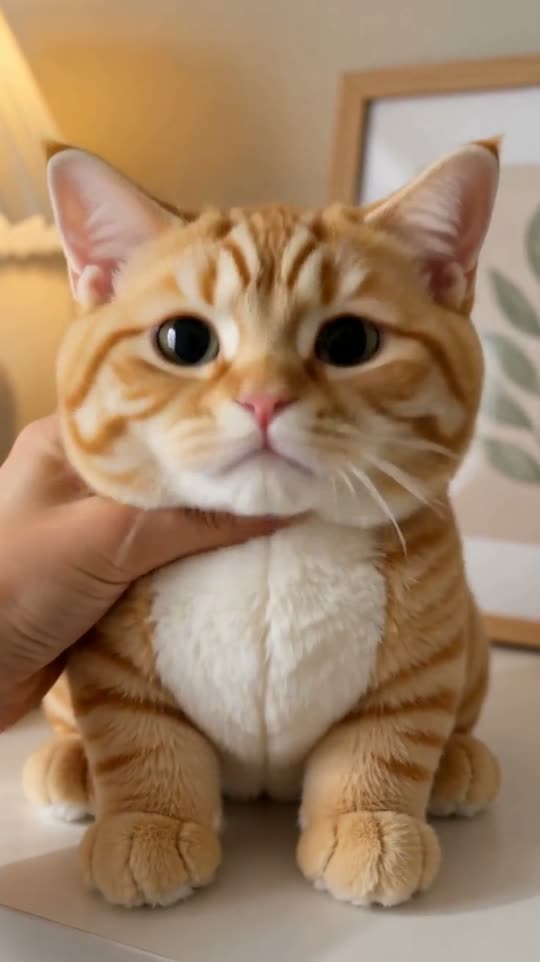
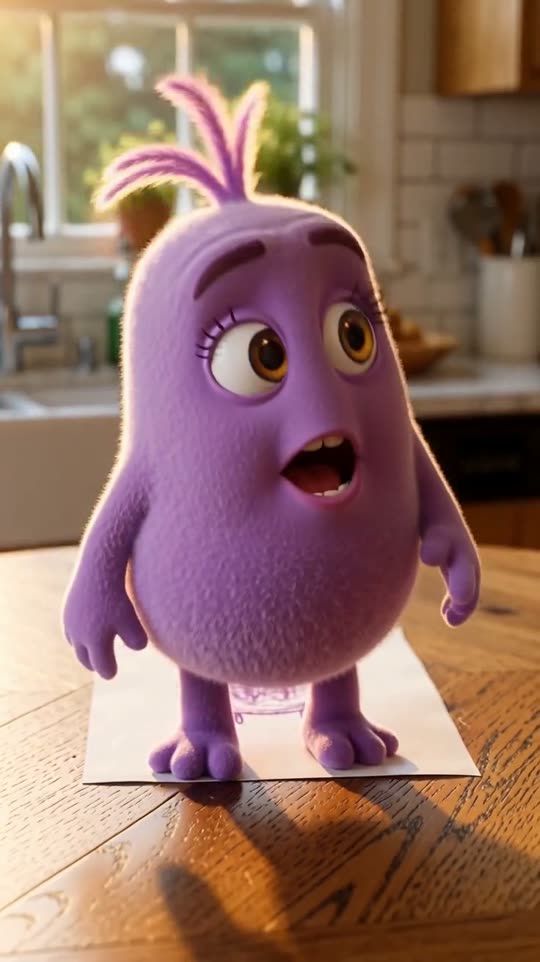
Yes. The camera, light and style come from the effect's own prompt, so results look like the five examples above. Only your photo changes.
Can I use the red carpet video on TikTok, Reels or YouTube?+
Yes. Download the MP4 and post it anywhere, including for your business. Vertical 9:16 fits TikTok, Reels and Shorts; wide 16:9 fits YouTube.