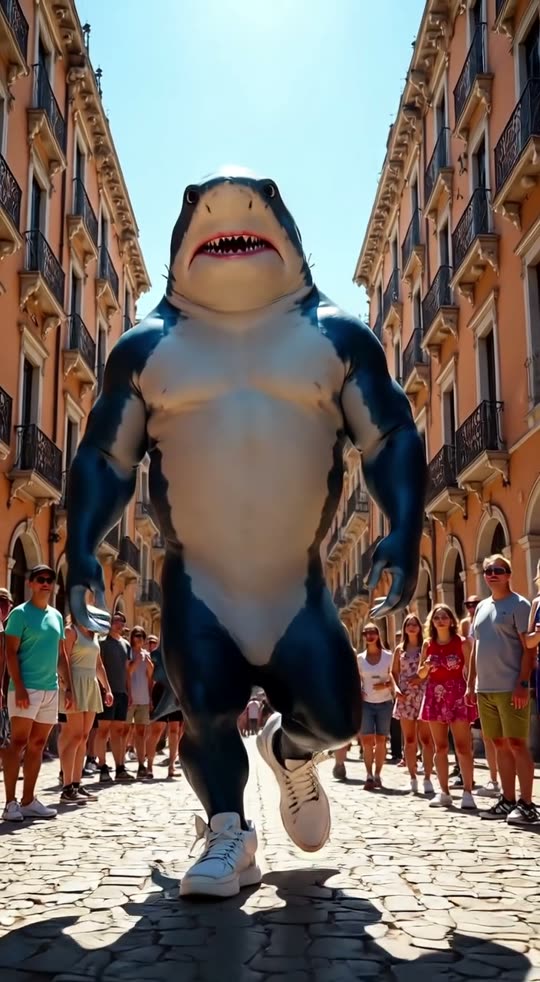
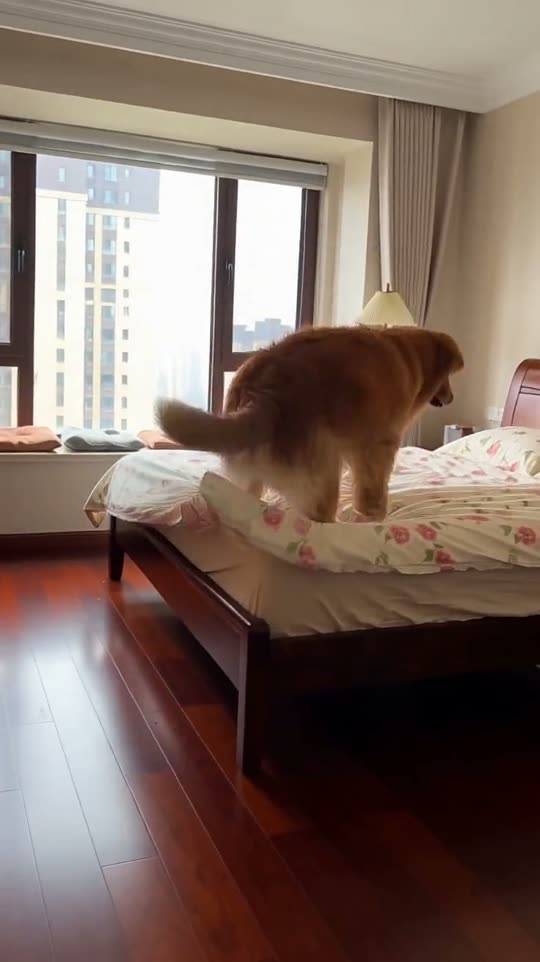
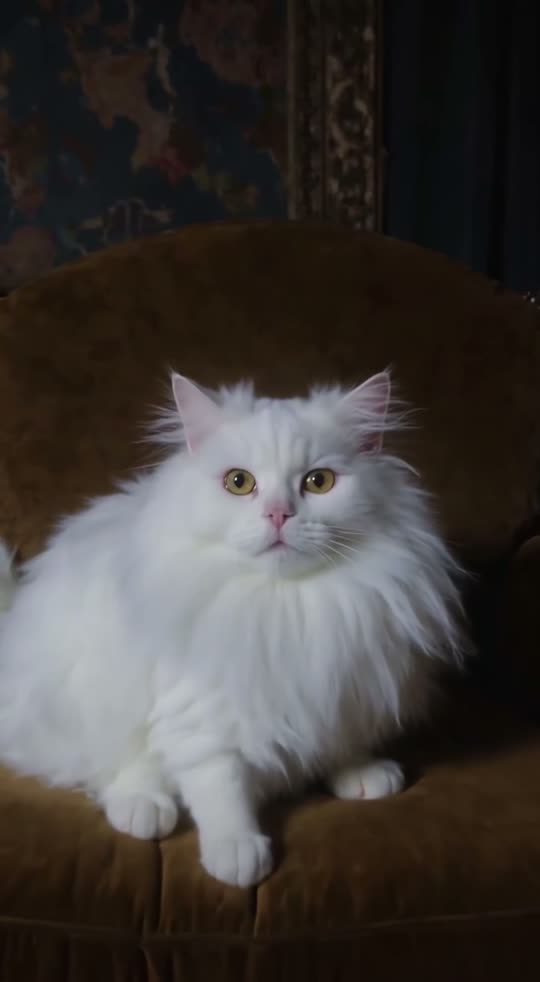
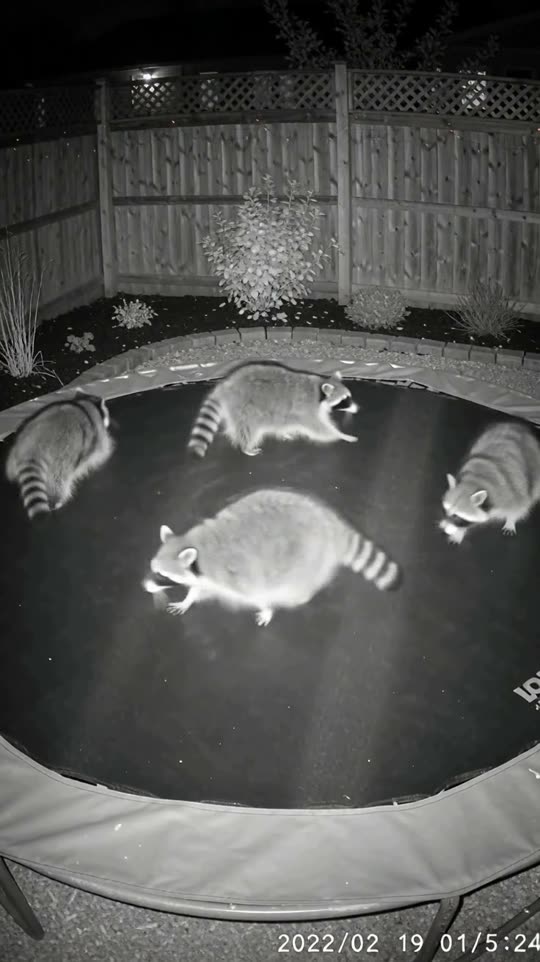
What is the AI bigfoot vlog effect?
Bigfoot, a yeti or any creature you name films its own casual vlog on a selfie stick, grinning into the lens on a walk through its home turf. Everyday vlog, legendary host.
How to make an AI bigfoot vlog video
- 1Open the effectClick “Make your own” on this page. You land on the Bigfoot vlog form in GenTok.
- 2Name your subjectType what should be in the shot, for example “a yeti on a snowy mountain”. The camera, light and style come from the effect.
- 3Choose the formatVertical 9:16 for TikTok, Reels and Shorts, wide 16:9 for YouTube, or square 1:1.
- 4Create and downloadYour MP4 is ready in about two minutes. Upscale it to HD if you like.
Bigfoot vlog video ideas to try
- Bigfoot in a misty pine forest
- A yeti on a snowy mountain ridge
- A swamp creature by a foggy bayou
- A moss-covered forest troll by a waterfall
- A gorilla in a tropical jungle
- A yeti on a snowy mountain
Bigfoot vlog effect FAQ
How do I make an AI bigfoot vlog video?+
Open the Bigfoot vlog effect, type what should be in the shot — for example “a yeti on a snowy mountain” — choose a format and press Create. Your video is ready in about two minutes.
How much does the bigfoot vlog effect cost?+
Every video shows its price in credits before you create it (1 credit = $0.01). A 5-second Premium video is usually about 42 credits. Images on GenTok are free, 10 a day.
Will my bigfoot vlog video look like the examples?+
Yes. The camera, light and style come from the effect's own prompt, so results look like the five examples above. Only the words you type change.
Can I use the bigfoot vlog video on TikTok, Reels or YouTube?+
Yes. Download the MP4 and post it anywhere, including for your business. Vertical 9:16 fits TikTok, Reels and Shorts; wide 16:9 fits YouTube.