
Make viral AI videos from one sentence
Tornadoes, melting, action figures, epic fails, talking photos. Pick an effect, type what's in the shot or add your photo, and post it to TikTok, Reels or Shorts.
Free images every day. No card needed to start.
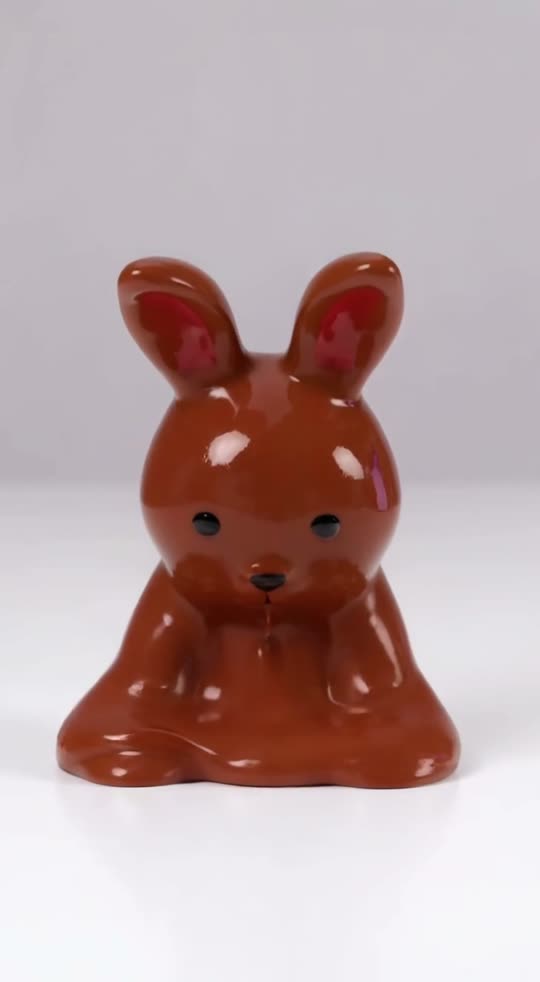
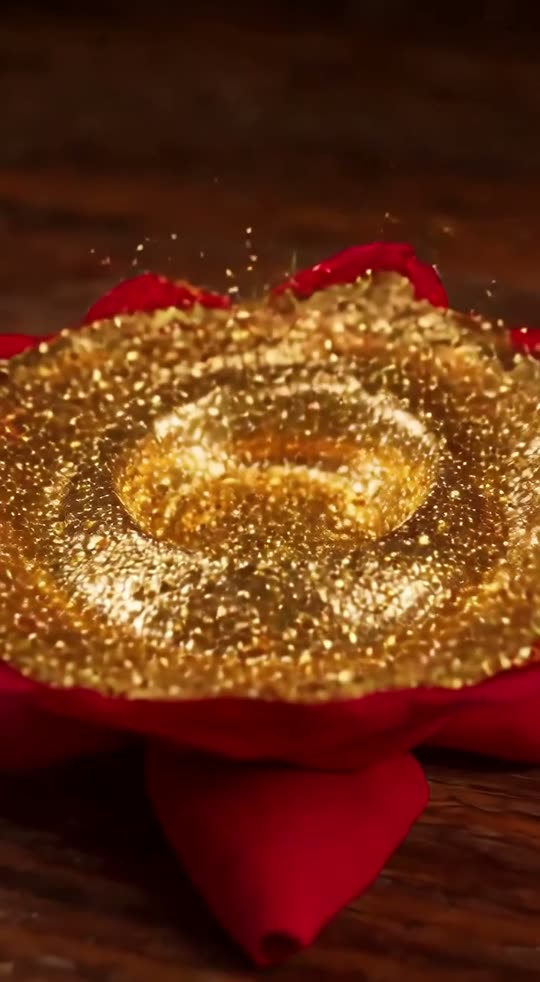
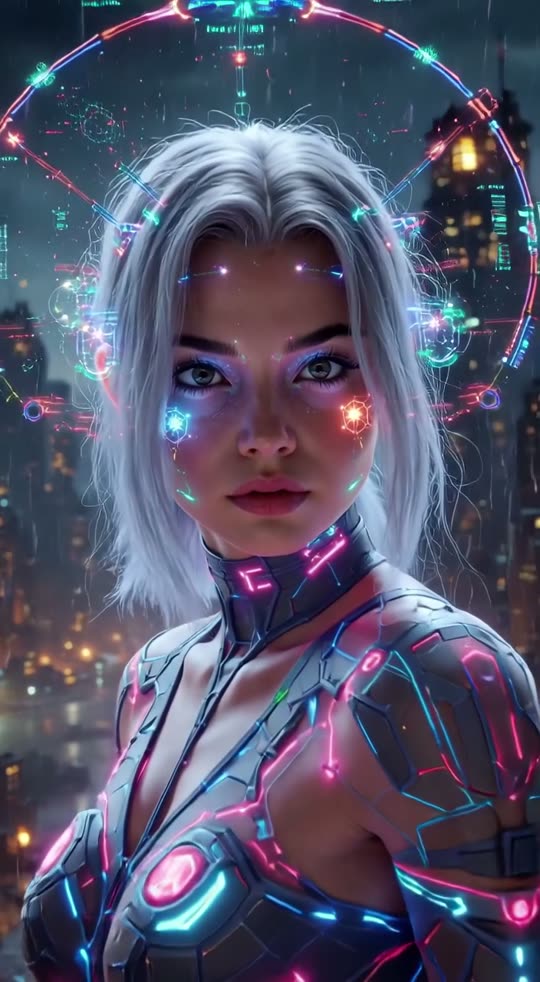
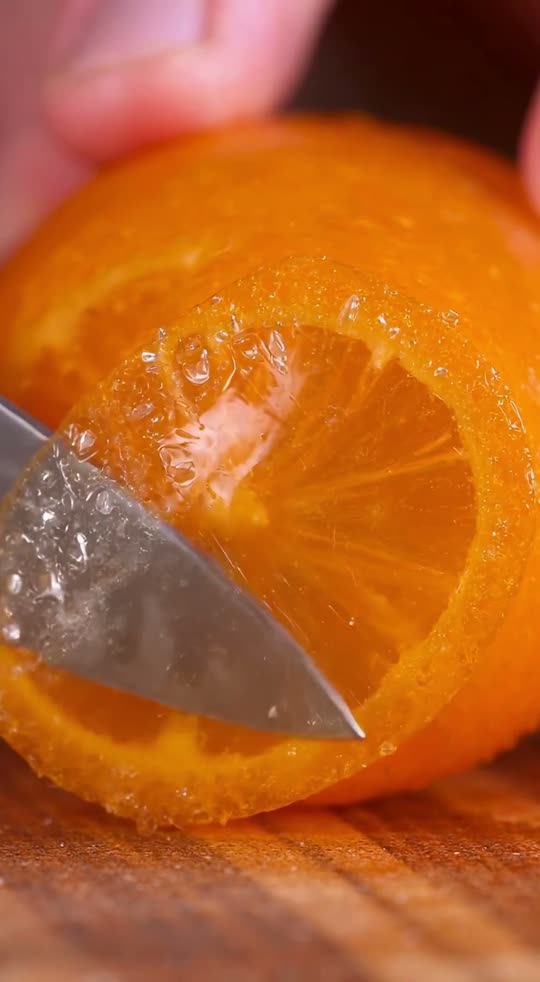
Six ways to make an AI video
Pick what you start from. Each one has its own short form.
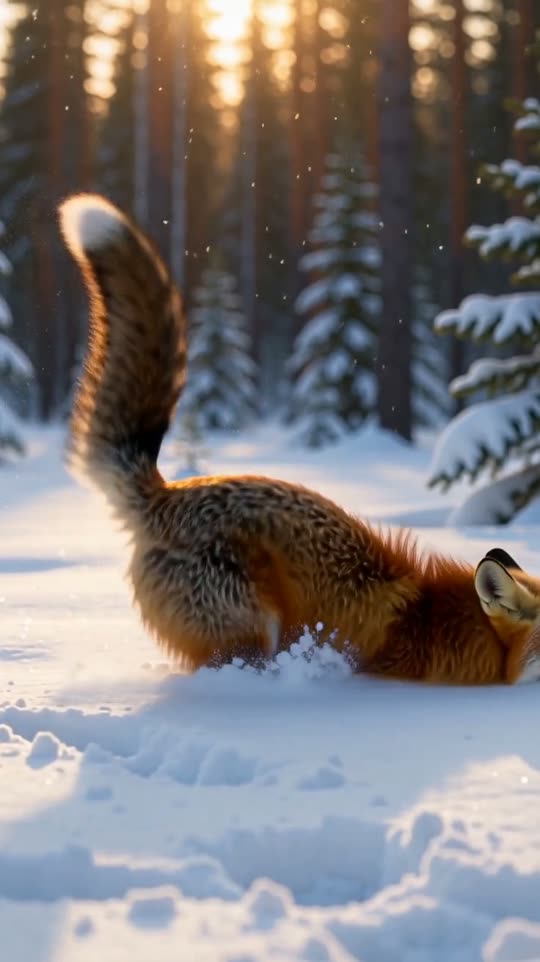
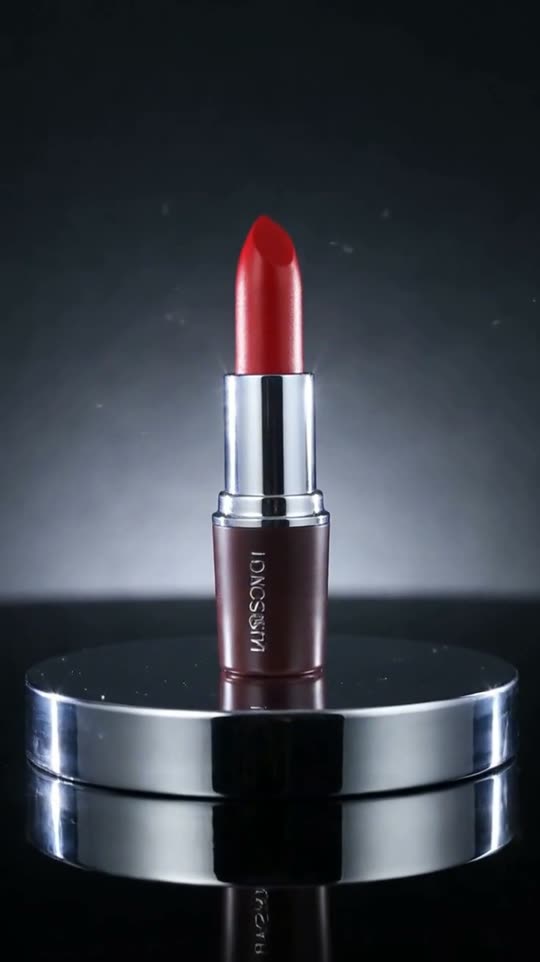
Viral AI video effects
Every effect has five real examples. Open one to make your own.
Use your photo
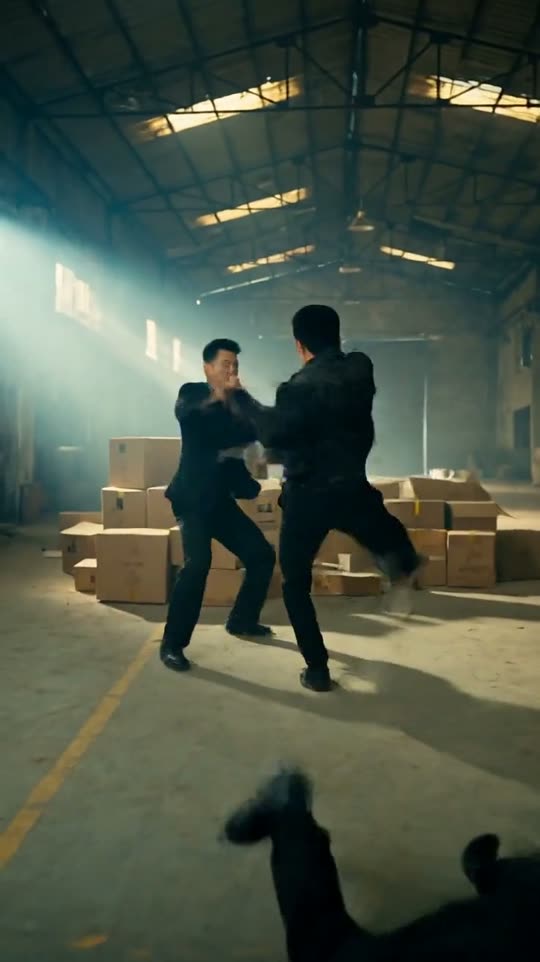 Your photoMovie fight sceneYou, in a kung-fu action film
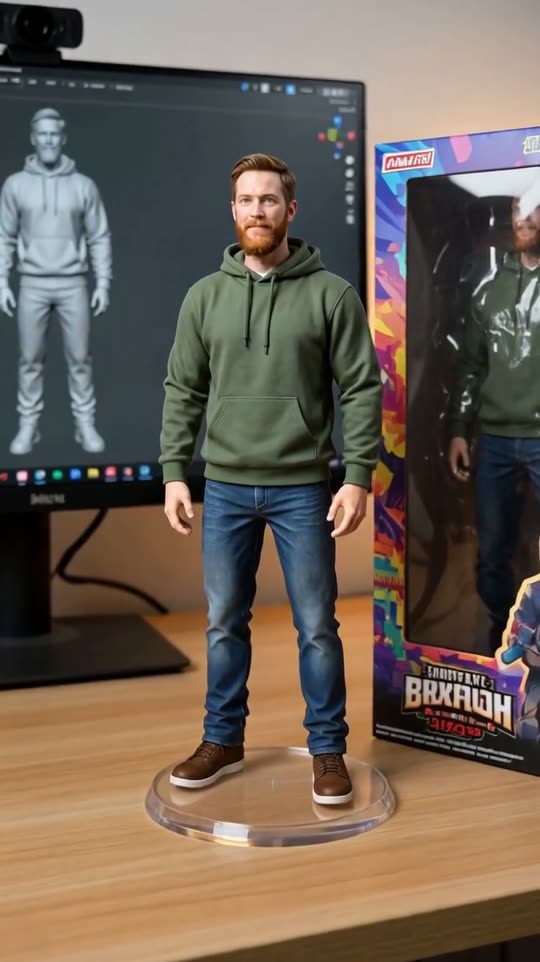 Your photoCollectible figureA 1/7 scale figure on your desk
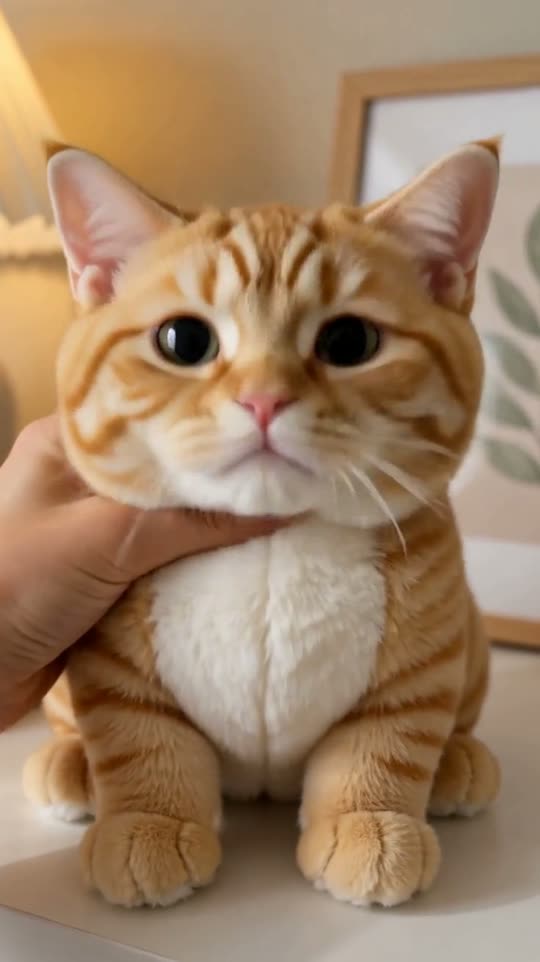 Your photoPlushieYour pet as a soft toy
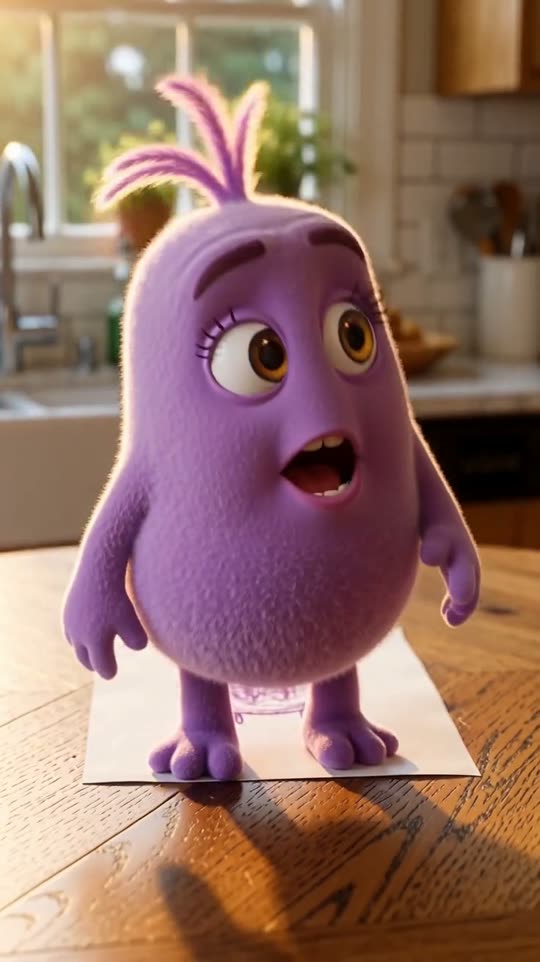 Your photoDrawing comes aliveA kid's drawing steps off the page
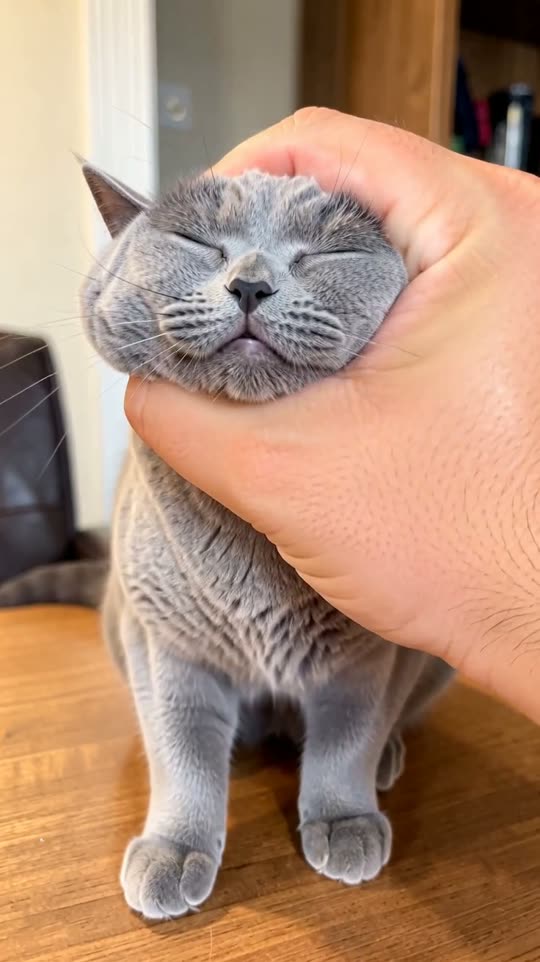 Your photoGiant squishA giant hand squeezes it like jelly
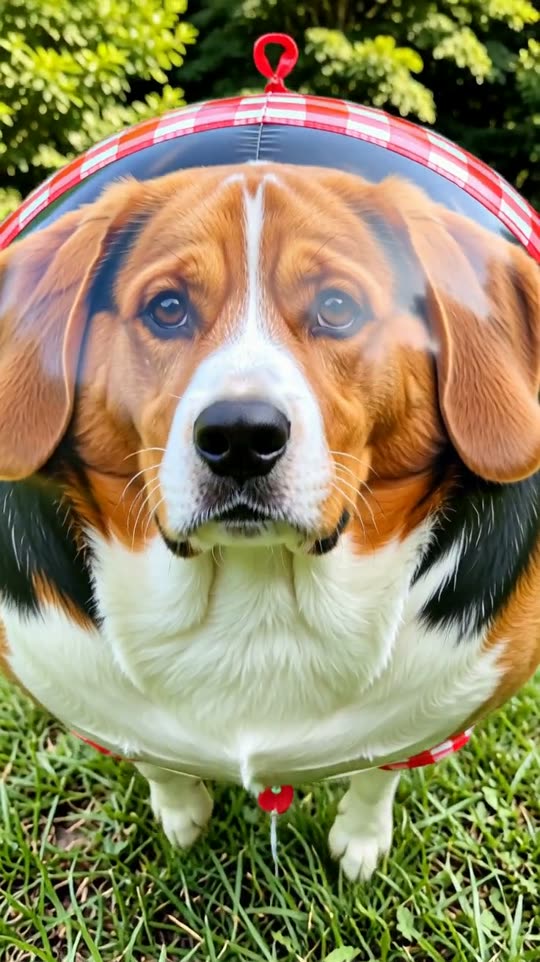 Your photoBalloon floatPuffs up and floats away
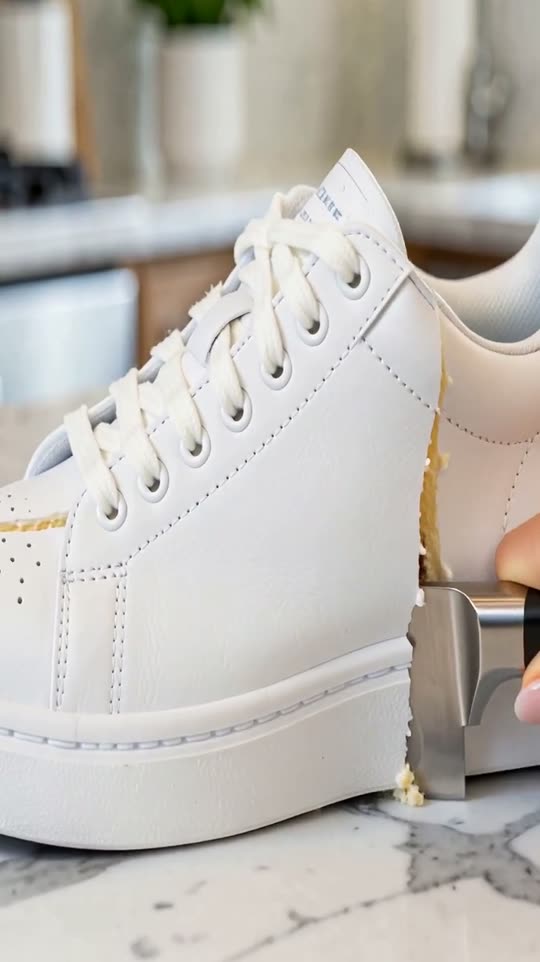 Your photoIt's a cakeSliced open: it was cake all along
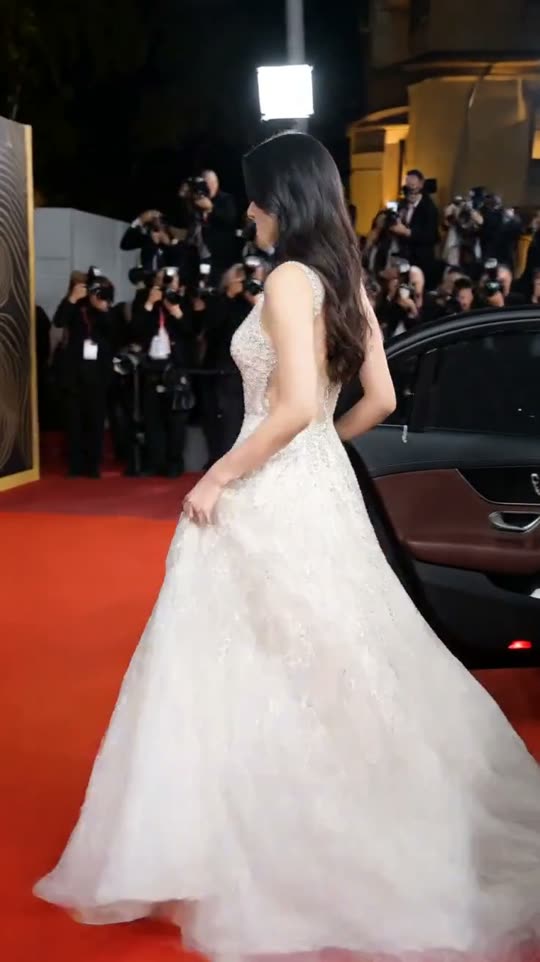 Your photoRed carpetFlashbulbs and a star arrival
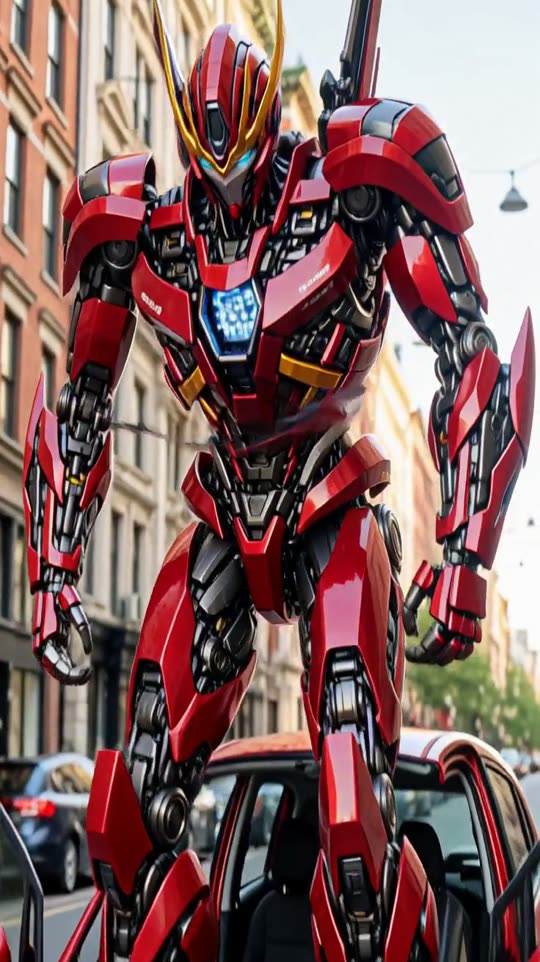 Your photoCar robotYour car stands up as a giant robot
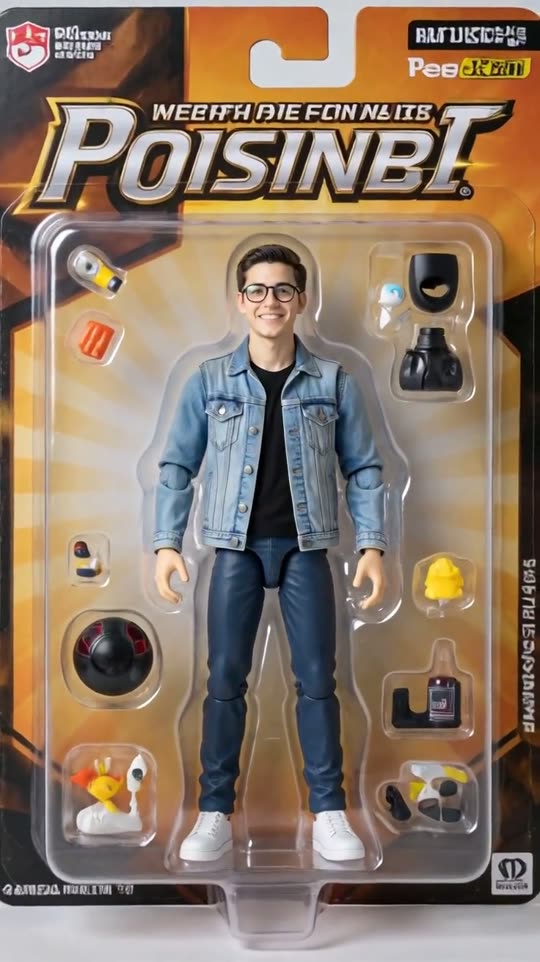 Your photoAction figureYou, as a boxed collectible toy
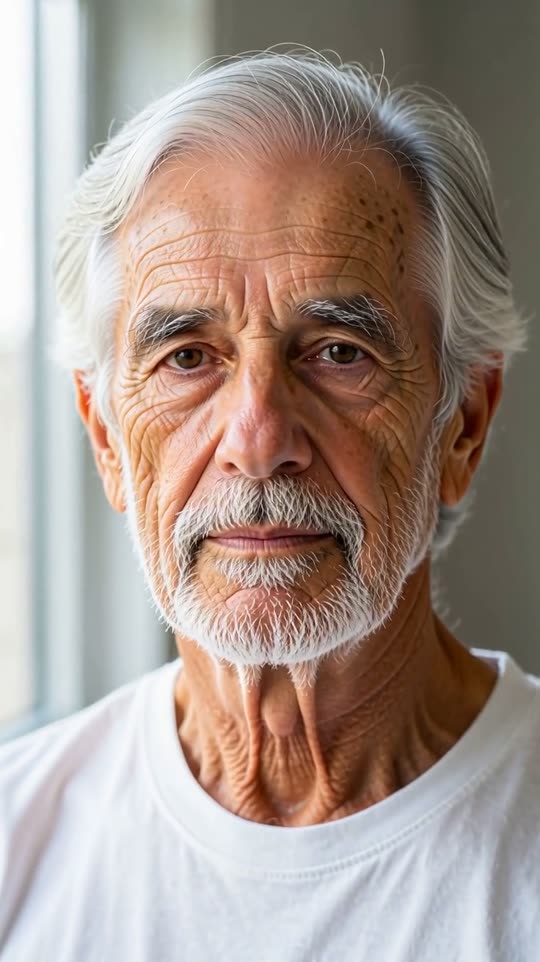 Your photoAge progressionWatch yourself grow old
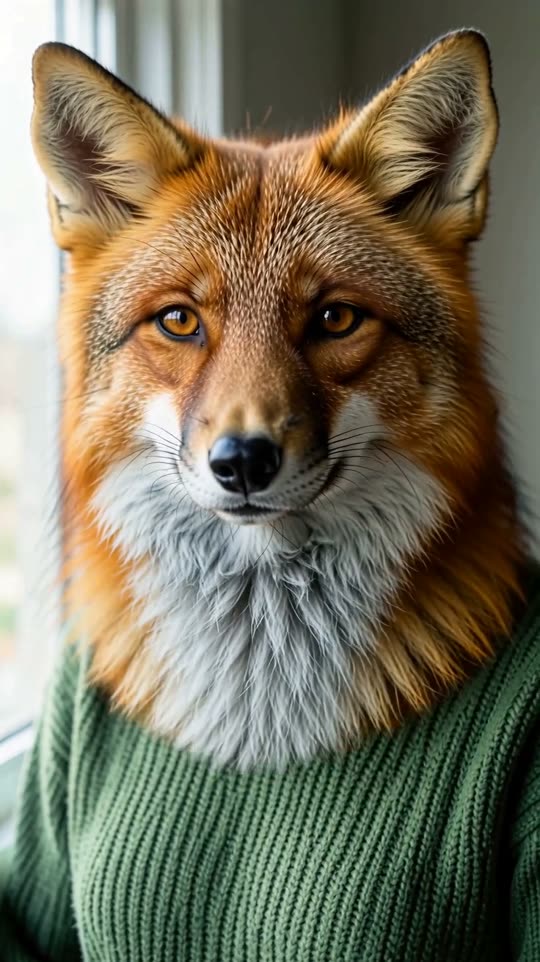 Your photoAnimal transformationYou turn into an animal
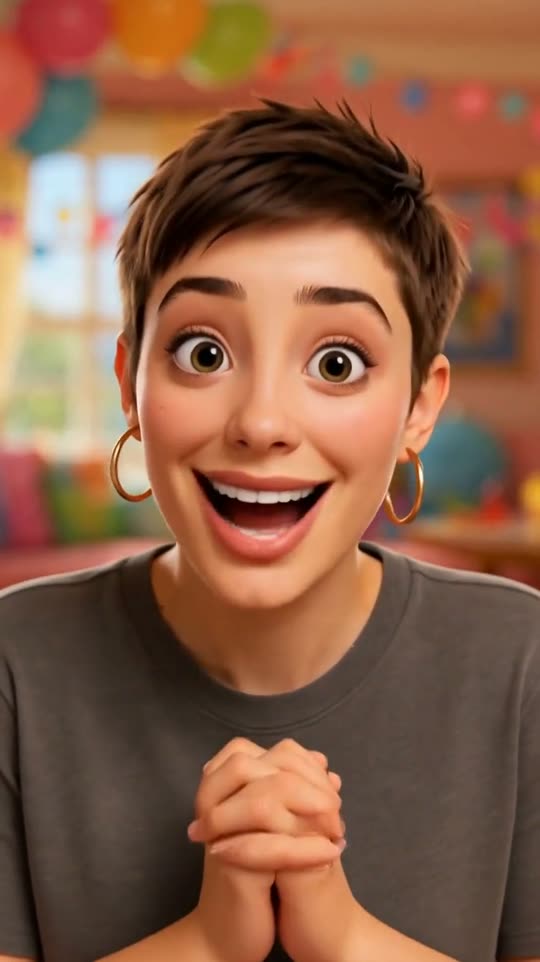 Your photo3D cartoon meAnimated-movie version of you
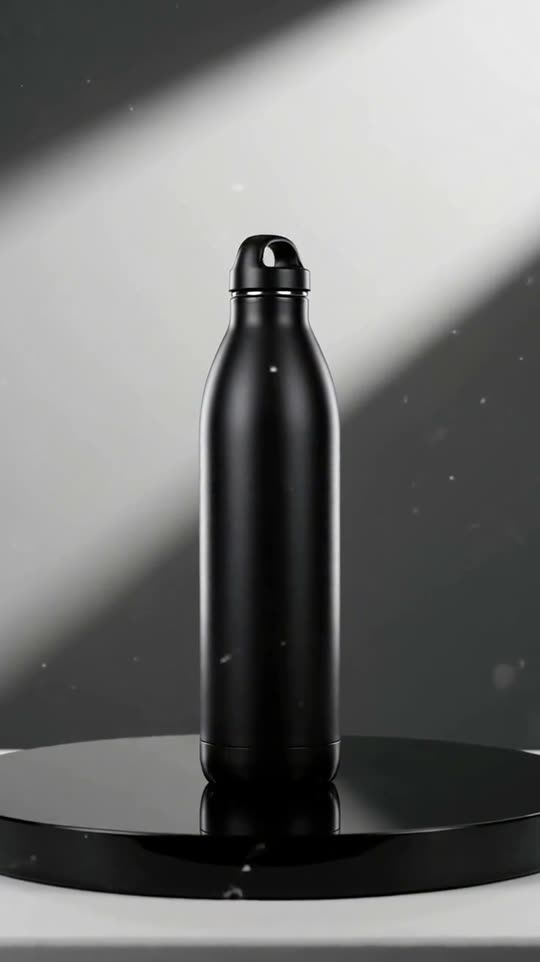 Your photoProduct hero shotYour product in a studio commercial
 Your photoLogo revealYour logo, cinematic intro
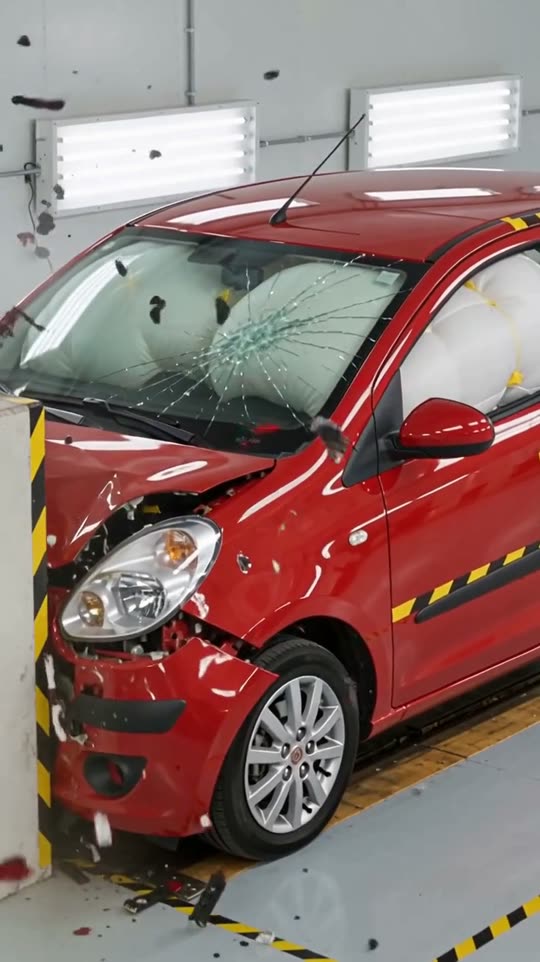

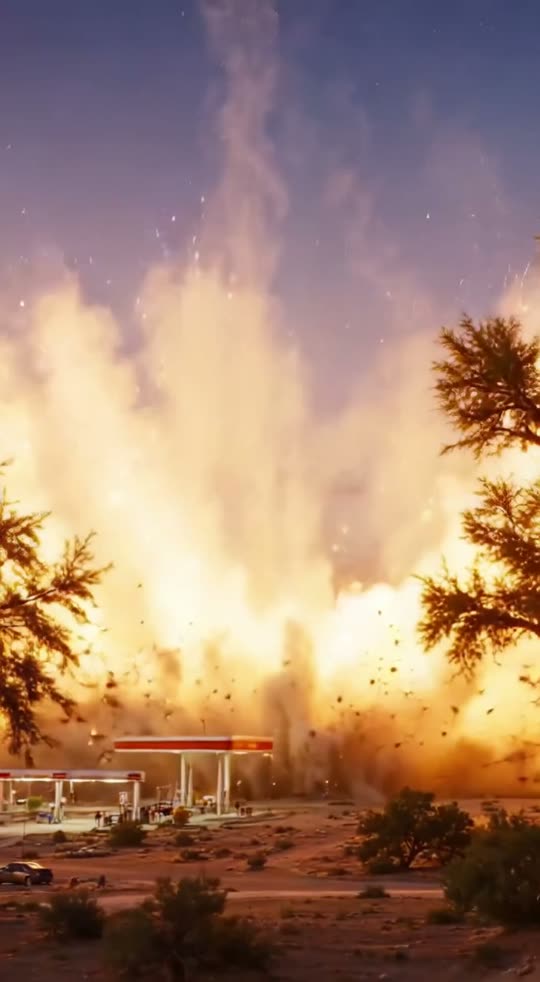
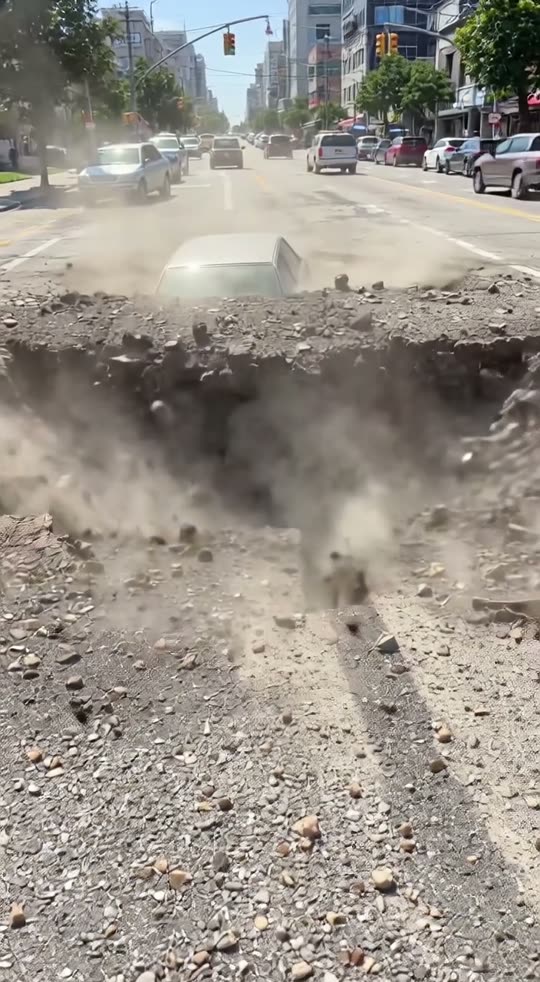
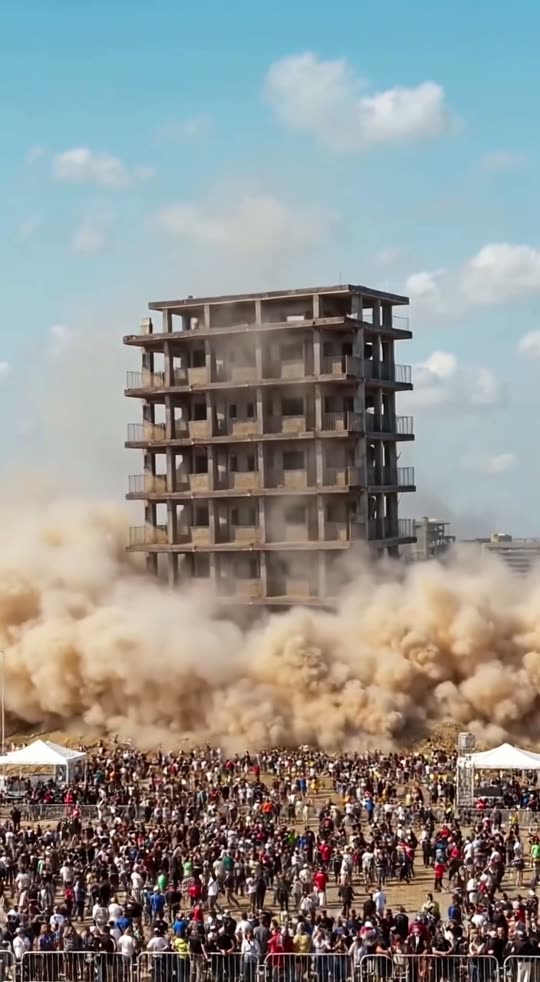
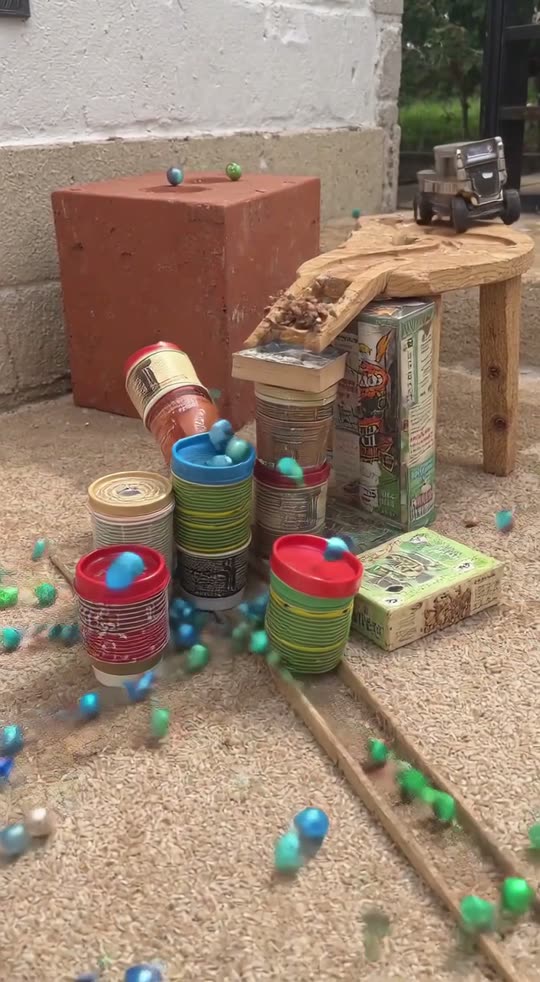
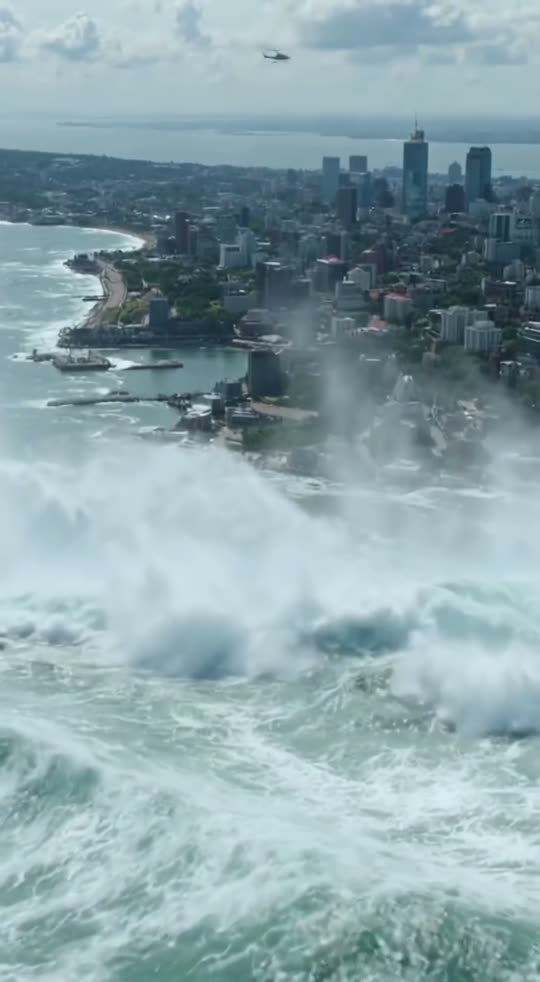
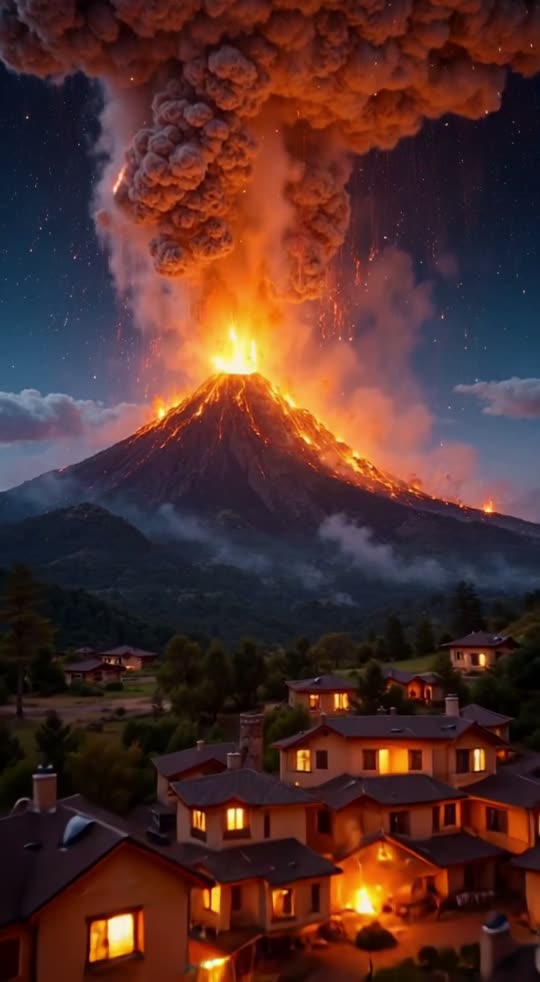
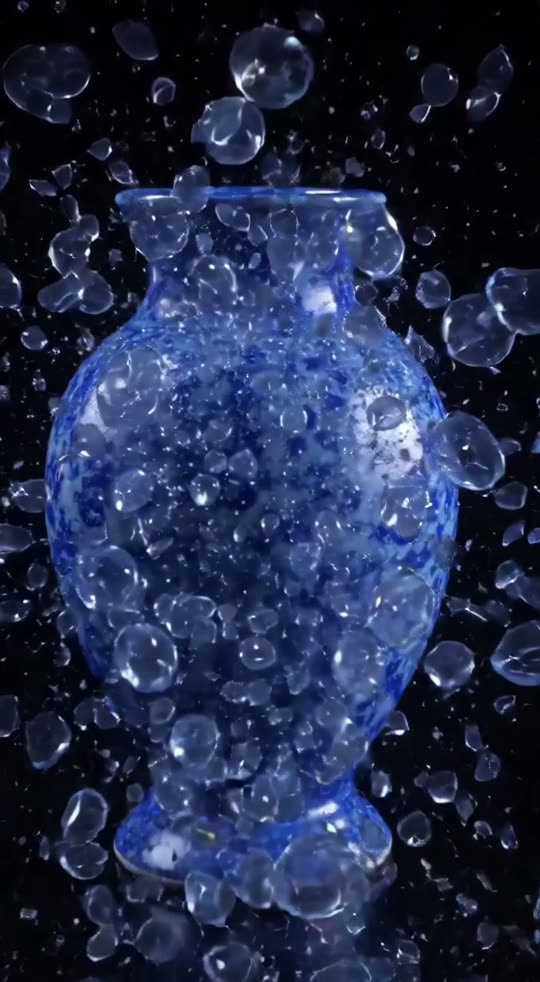
Turn your photos, product and logo into AI videos
What went in, and what came out. Every clip below was made with GenTok.
Your product and logo become an ad
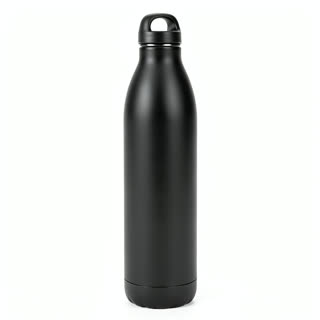
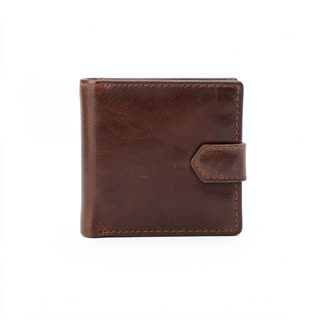
Upload a product photo and your logo. Describe the scene.
 +


A photo and a sentence become a talking video
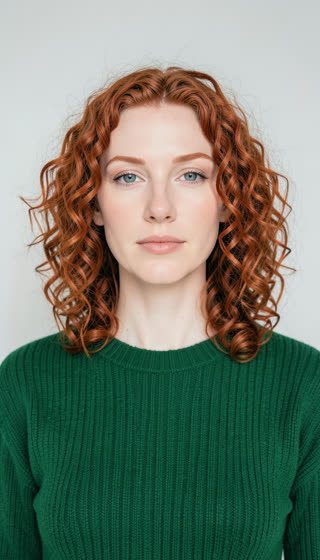
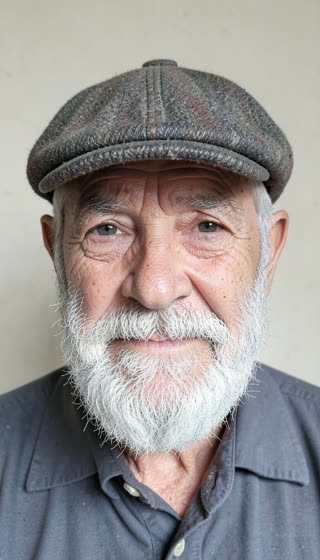
One face photo, the words you want said, a voice.

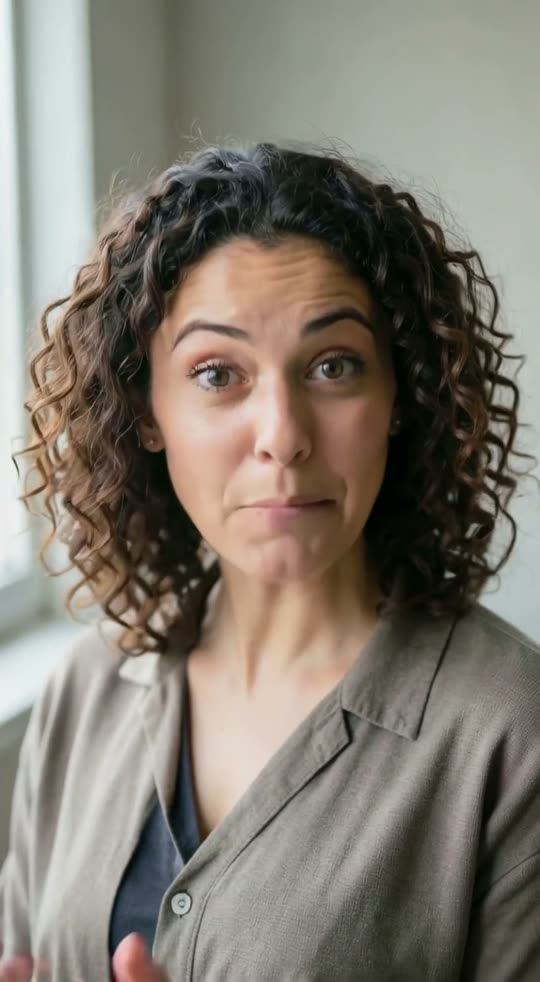
Three scenes, one short story
Describe each scene. They play one after another.
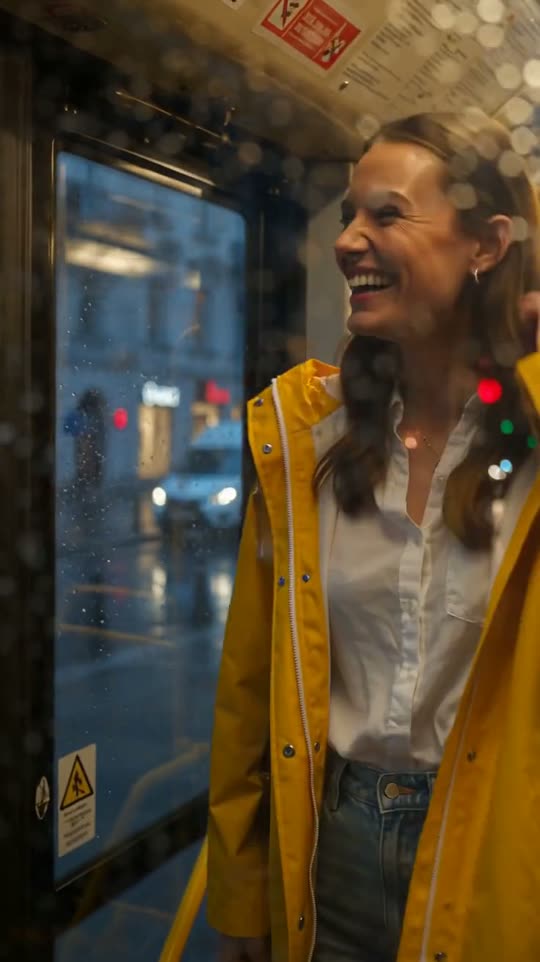
Two pictures, we make the move between
A start and an end picture — here the same street by day and by night.
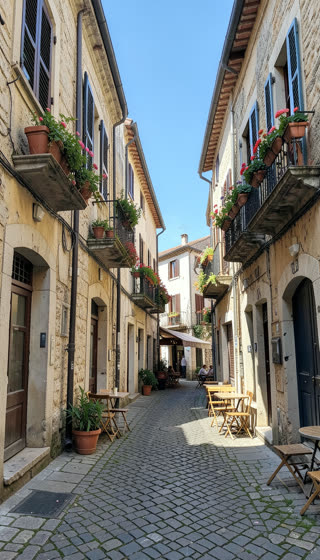 +
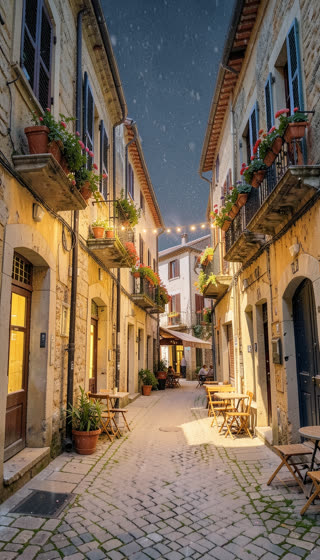
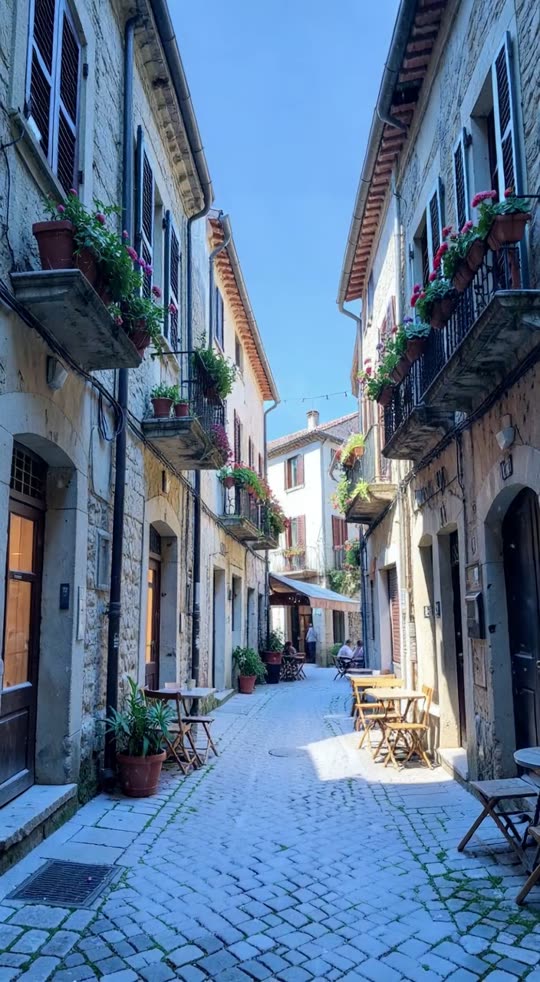
AI character videos with the same person every time
PremiumCreate a character and a place once. Then make them talk to camera, present a product or walk through a home, as many videos as you need.
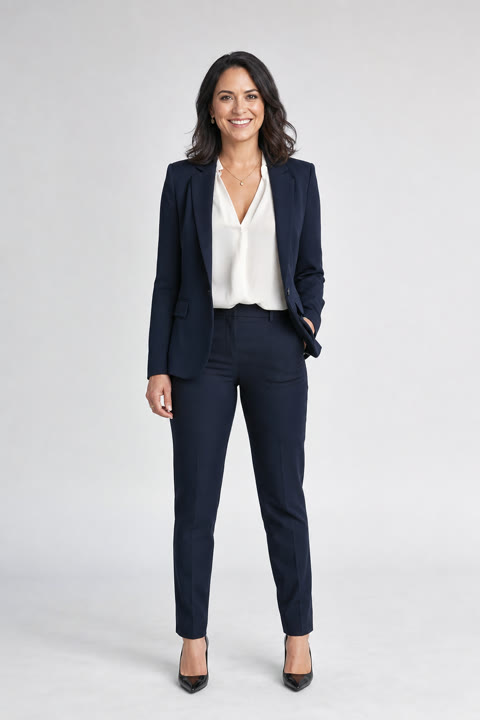
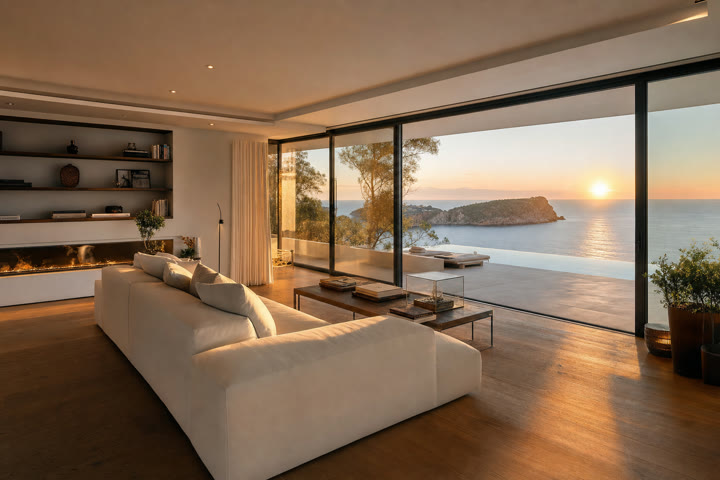
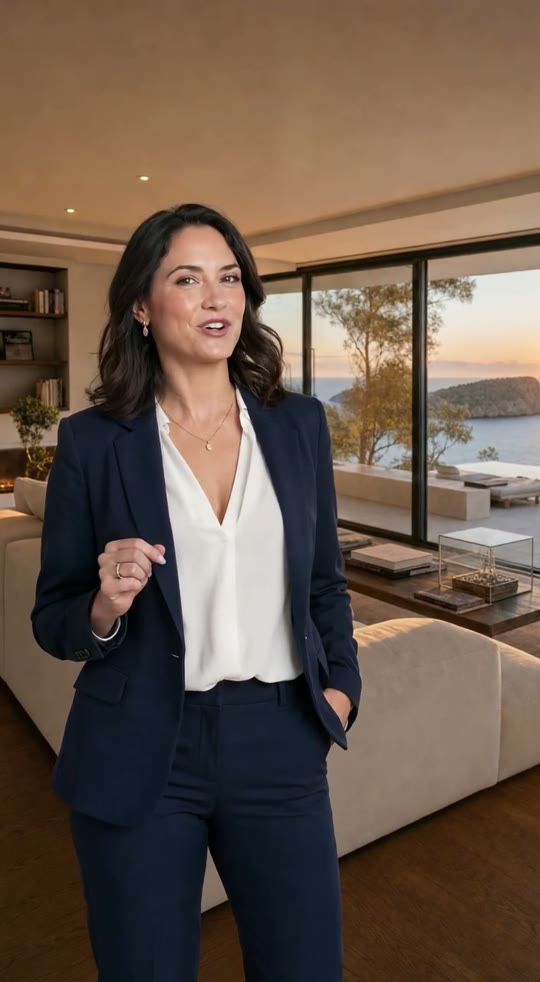
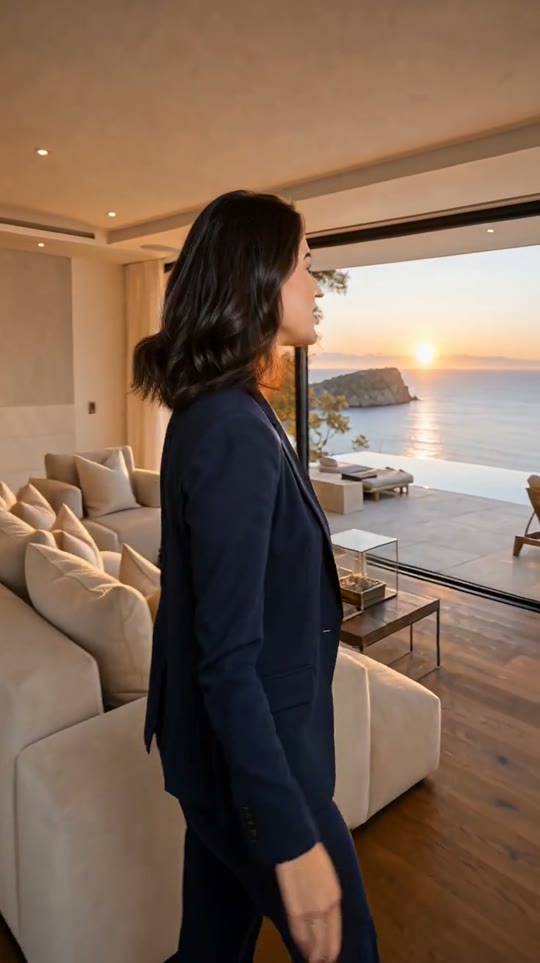
Same face, same outfit, same room in every video. Save as many characters and places as you like.
Create your characterMake AI videos right inside Claude and ChatGPT
Connect GenTok once, then ask in plain words. The chat picks the effect, shows the price and hands you the video. Same account, same credits.
The Tornado effect fits. Vertical, 5 seconds: 20 credits ($0.20). Shall I make it?
Done, about a minute. Here is your video:
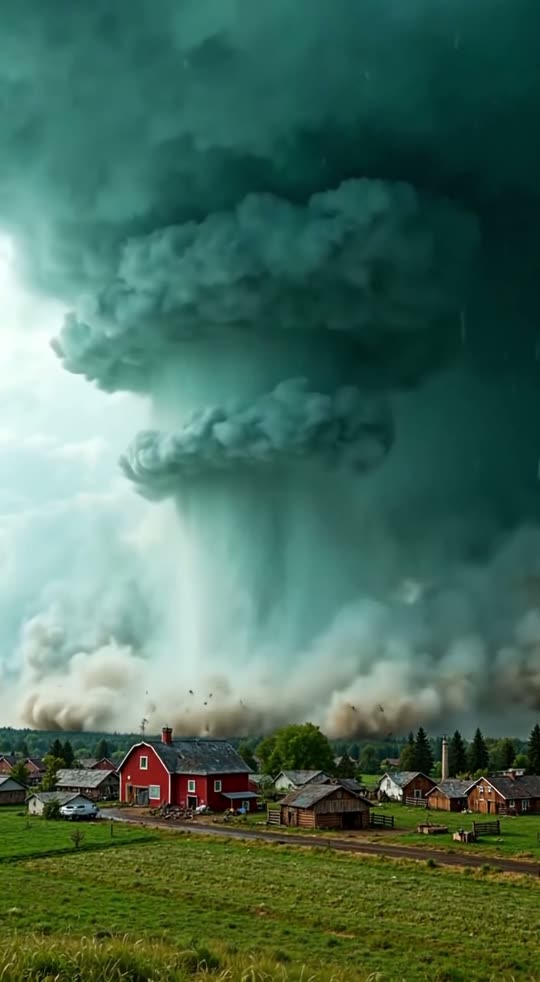
app.gentok.ai/media/tornado-red-barn.mp4
A link that plays in your browser. The video is also saved in your GenTok library.
- 1Press the button. Claude opens Add custom connector with GenTok already filled in.
- 2Leave what is filled in and press Add (Claude may show Continue first), then Connect.
- 3Sign in to GenTok and press Allow.
- 4Ask in any chat: “Make a tornado video over a red barn”.
GenTok's address
https://app.gentok.ai/mcp- 1Open chatgpt.com/plugins, press + and choose Add custom MCP server.
- 2Name it GenTok. Under Connection pick Public endpoint and paste the address above.
- 3Keep sign-in on OAuth, confirm ChatGPT's warning and press Create as a plugin.
- 4Sign in to GenTok and press Allow.
- 5In a new chat type @GenTok and ask for a video.
Run this in your terminal
claude mcp add --transport http gentok https://app.gentok.ai/mcp- 1Paste the command and press Enter.
- 2Start Claude Code, type /mcp, pick gentok and sign in. Your browser opens GenTok: press Allow.
- 3Ask for a video. Claude Code waits for it and gives you the link.
GenTok's MCP server address
https://app.gentok.ai/mcp- 1In your app, add a remote (HTTP) MCP server and paste the address.
- 2The app opens GenTok in your browser. Sign in and press Allow.
- 3Ask for a video or an image.
AI video pricing: images free, videos from 20 credits
You see the price of every video before you create it.
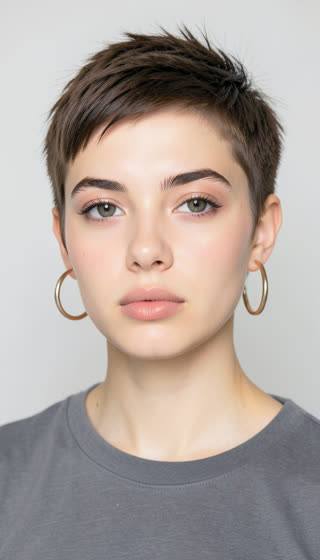
10 free images, every day
FreeWith a free account. The count resets every day at midnight UTC.


Videos use credits
1 credit is $0.01. Every video shows its exact price before you create it.
AI image
From words or your picture. 10 free every day
Free
5-second video, Fast
Text to video or any effect, about a minute
20 credits
5-second video, Premium
Smoother motion, your photos and logo
42 credits
Talking photo
A face, your words, captions included
23 credits
10-second story, 3 scenes
Same character in every scene
64 credits
HD upscale
Twice the resolution for any video
4 credits
Frequently asked questions
How does GenTok work?+
Pick what you want to make: an image, a video from text, an animated photo, a scene with your own photos and logo, or a talking photo. Fill in a short form and your video is ready in one to two minutes.
What is free and what costs credits?+
Images are free, 10 a day. Videos use credits (1 credit = $0.01). You always see the price in credits before you create anything: a 5-second Fast video is about 20 credits, a Premium one about 42.
Can I use my own photos, products and logo?+
Yes. Add up to three pictures, say what each one is (person, product, logo, place or style) and describe the scene. You can also animate any photo, or give a start and an end picture.
Can I make a video with several scenes?+
Yes. Choose two or three scenes and describe each one. They play one after another in a 10-second video with the same characters.
Which formats can I make?+
Vertical 9:16 for TikTok, Reels and Shorts, wide 16:9 for YouTube, and square 1:1. Any video can be upscaled to twice the resolution.
Can I use the videos commercially?+
Yes. Download your videos and post them anywhere, including for your business.