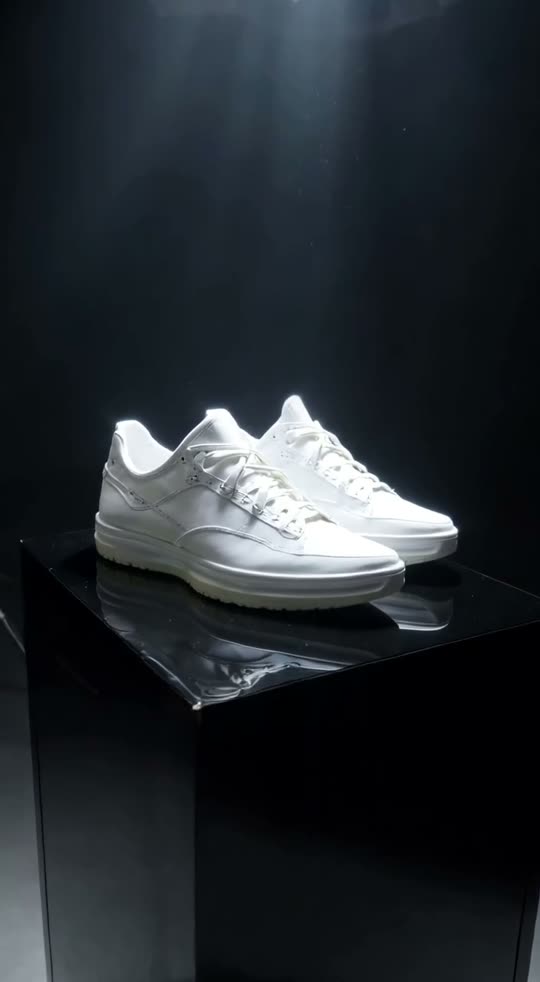
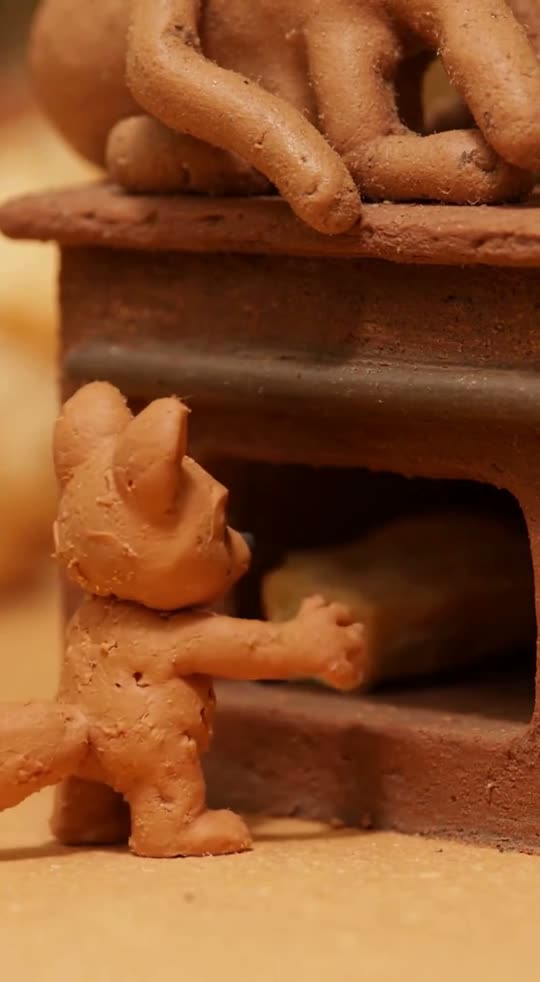
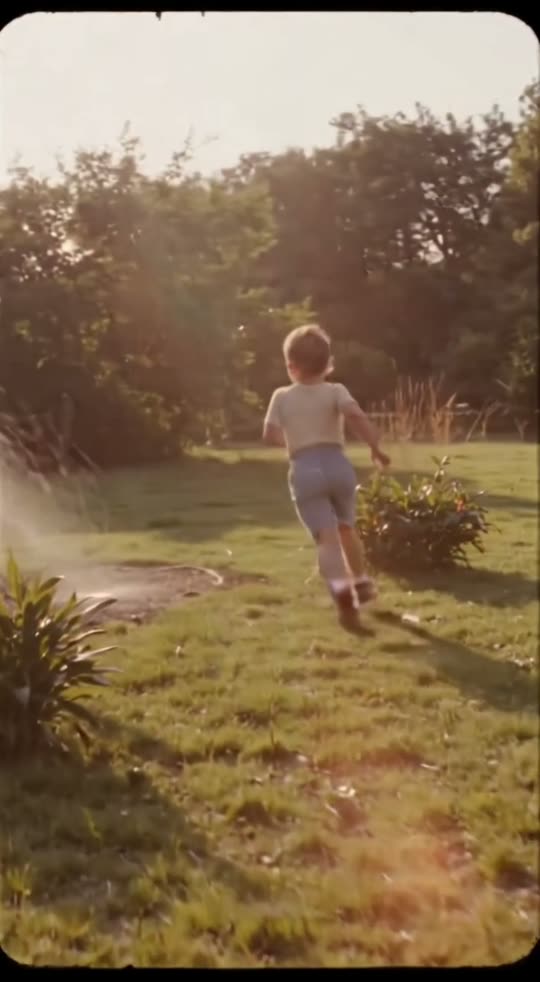
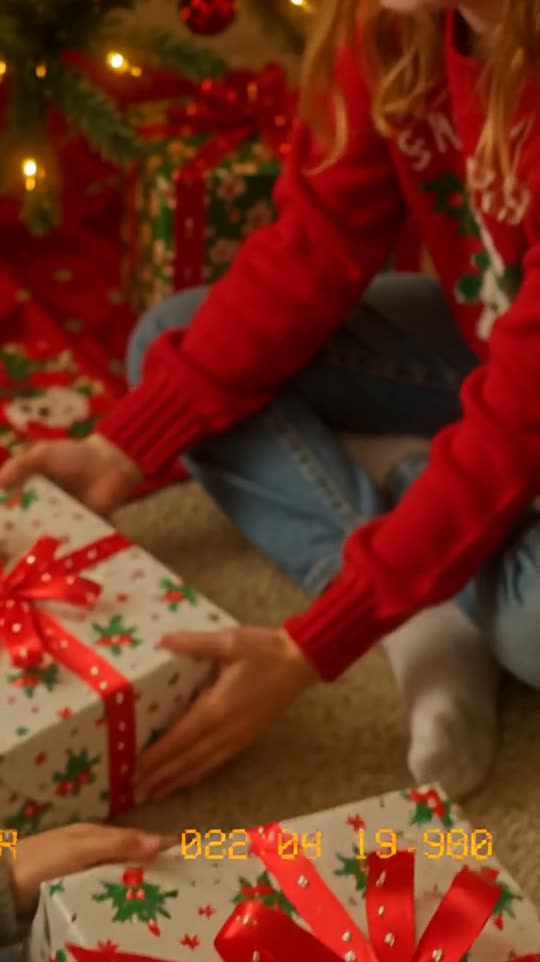
What is the AI slow motion effect?
Ultra slow motion with droplets and particles hanging in the air and razor-sharp detail. Turn simple moments into commercial-quality shots.
How to make an AI slow motion video
- 1Open the effectClick “Make your own” on this page. You land on the Slow motion form in GenTok.
- 2Name your subjectType what should be in the shot, for example “a strawberry splashing into milk”. The camera, light and style come from the effect.
- 3Choose the formatVertical 9:16 for TikTok, Reels and Shorts, wide 16:9 for YouTube, or square 1:1.
- 4Create and downloadYour MP4 is ready in about a minute. Upscale it to HD if you like.
Slow motion video ideas to try
- A ripe strawberry splashing into a glass of milk
- A water balloon bursting
- Colored powder exploding
- A hummingbird drinking nectar
- A glass of red wine spilling
- A strawberry splashing into milk
Slow motion effect FAQ
How do I make an AI slow motion video?+
Open the Slow motion effect, type what should be in the shot — for example “a strawberry splashing into milk” — choose a format and press Create. Your video is ready in about a minute.
How much does the slow motion effect cost?+
Every video shows its price in credits before you create it (1 credit = $0.01). A 5-second Fast video is usually about 20 credits. Images on GenTok are free, 10 a day.
Will my slow motion video look like the examples?+
Yes. The camera, light and style come from the effect's own prompt, so results look like the five examples above. Only the words you type change.
Can I use the slow motion video on TikTok, Reels or YouTube?+
Yes. Download the MP4 and post it anywhere, including for your business. Vertical 9:16 fits TikTok, Reels and Shorts; wide 16:9 fits YouTube.