
How to write AI video prompts
A good prompt describes one shot: what is in it, what happens, where, how the camera moves and how it is lit. Every clip on this page was made on GenTok, and the words beside it are the words that made it. Make this opens the form with them filled in.
The five parts of a prompt
Prompts that work have the same five parts. Say what the shot is about first; the camera and the look come last.
Subject
Who or what the shot is about, said plainly: a red paper boat, not something nice on the water.
Action
The one thing that happens. A five-second clip is one moment: drifting, leaping, pouring.
Place and time
Where and when: on a calm lake at sunrise, at a neon-lit night market, in a pine forest in winter.
Camera
How the camera moves, or that it stays still: slow push-in, low tracking shot, static close shot.
Light and look
The light and the style of the whole clip: warm golden light, soft window light, nature documentary.
One prompt, taken apart
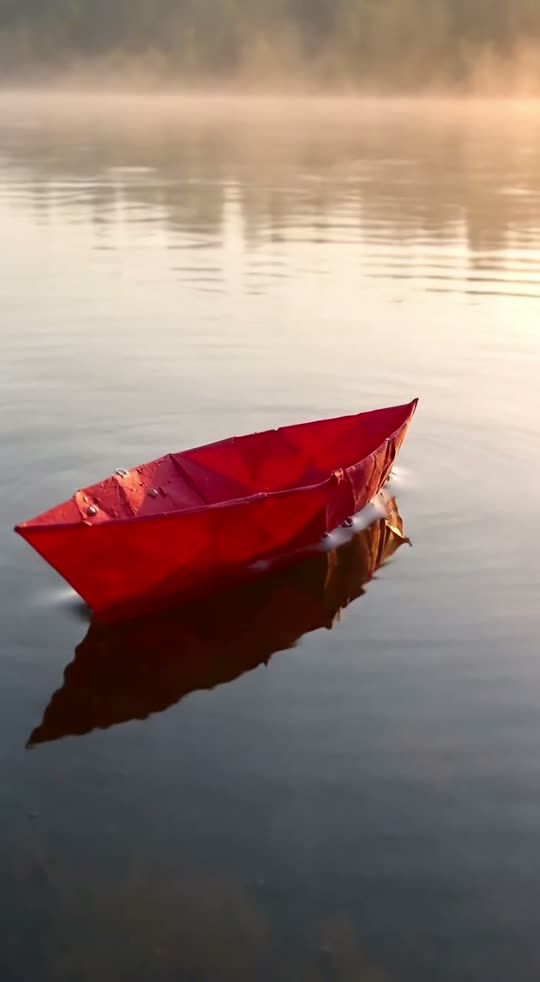
Fast, 5 seconds, made from these words:
A red paper boat1 drifting2 on a calm lake at sunrise3, gentle ripples2, warm golden light5, slow camera push-in4
- 1. Subject
- 2. Action
- 3. Place and time
- 4. Camera
- 5. Light and look
Examples, with the words that made them
Six clips, one sentence each. Point at a clip to play it; on a phone they play as you scroll.
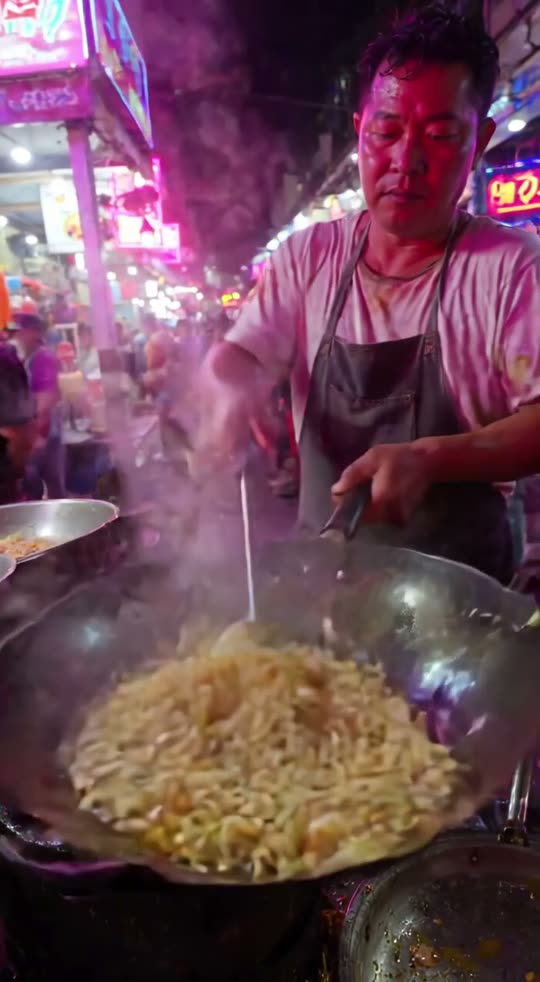 Fast · 9:16
Night market
Handheld shot of a street food vendor flipping noodles in a wok at a neon-lit night market, steam rising, crowd behind
Make this- Fast · 9:16
Paper boat
A red paper boat drifting on a calm lake at sunrise, gentle ripples, warm golden light, slow camera push-in
Make this 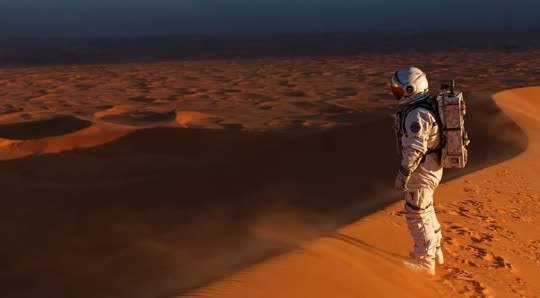 Fast · 16:9
Astronaut
An astronaut walking alone across orange desert dunes at dusk, wind blowing sand, wide cinematic tracking shot
Make this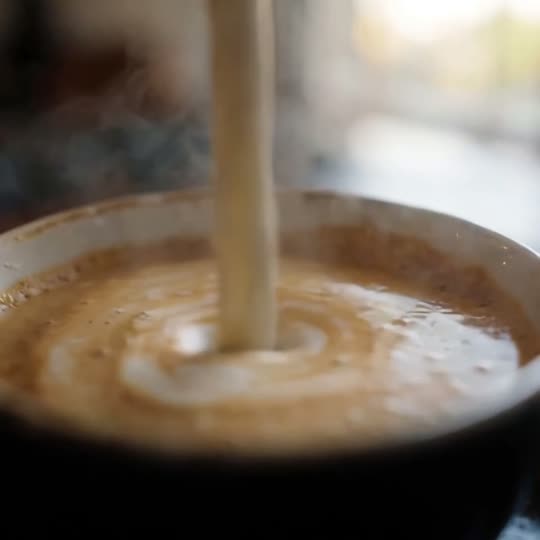 Fast · 1:1
Coffee pour
Macro slow motion of milk pouring into black coffee, swirling latte art forming, soft window light, shallow depth of field
Make this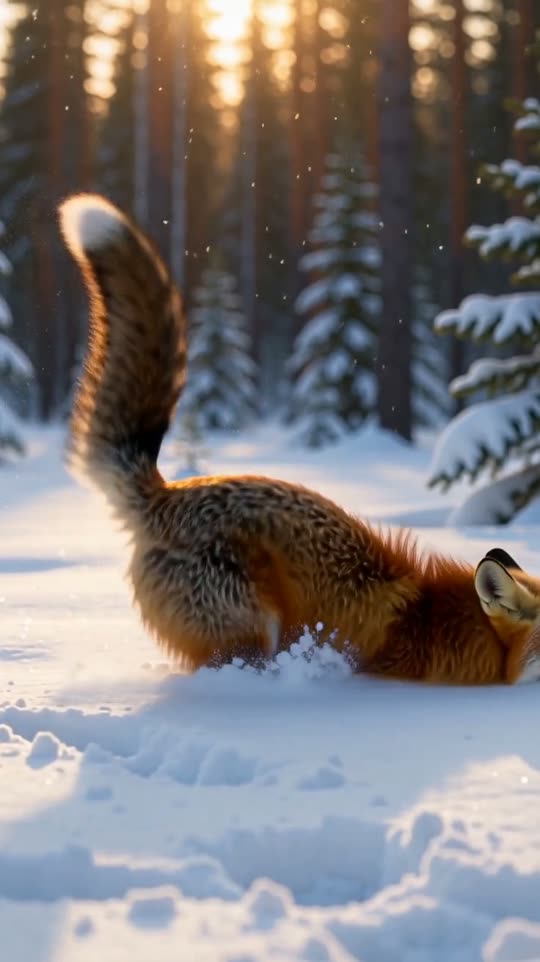 Premium · 9:16
Fox in snow
A red fox leaping into fresh snow in a quiet pine forest, snowflakes falling, morning light, nature documentary style
Make this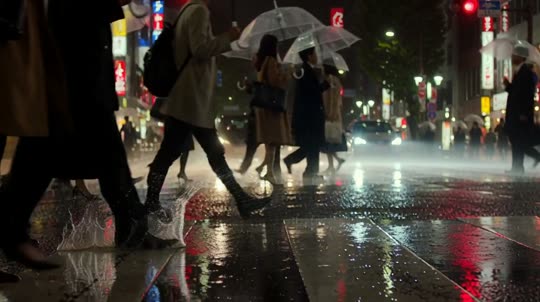 Premium · 16:9
Rainy Tokyo
Pedestrians with transparent umbrellas crossing a Tokyo street at night in the rain, reflections on wet asphalt, slow motion
Make this
Longer prompts: a sentence for each part
For more control, give the subject and its action a sentence, the details of the place another, then one for the camera and one for the look. These three are GenTok's own posts on Explore, made with the words going to the model exactly as written.
Red fox sleeping in falling snow
Fast
A red fox lies curled up asleep on fresh snow in a quiet pine forest, its bushy tail wrapped over its nose. Big soft snowflakes fall slowly and settle on its orange fur, and its ears twitch once as it breathes. Soft blue winter light with a warm glow on the fur. Slow push in from a low angle at the fox's eye level. Photorealistic wildlife footage, detailed fur, shallow depth of field, creamy background.
Red sports car drifting on a wet mountain road
Fast
A red sports car drifts around a wet mountain hairpin at dusk, rear wheels spinning, white smoke and water spray trailing behind it, headlights cutting through light fog. Low tracking shot that follows the car through the corner, pine forest and guard rail in the background, cinematic, photorealistic, motion blur on the road.
Baby sea otter floating on its back
Premium
A baby sea otter floats on its back in calm green water, holding a small shell on its chest and slowly turning its head toward the camera. Soft overcast light, tiny ripples spreading around it, drops of water on its whiskers. Static close shot from just above the water, photorealistic, shallow depth of field.
Camera moves
The camera is the part most prompts leave out. Name one move and the clip looks filmed rather than generated. Each move below is also an effect: type your subject and the effect writes the rest.
 Dolly in
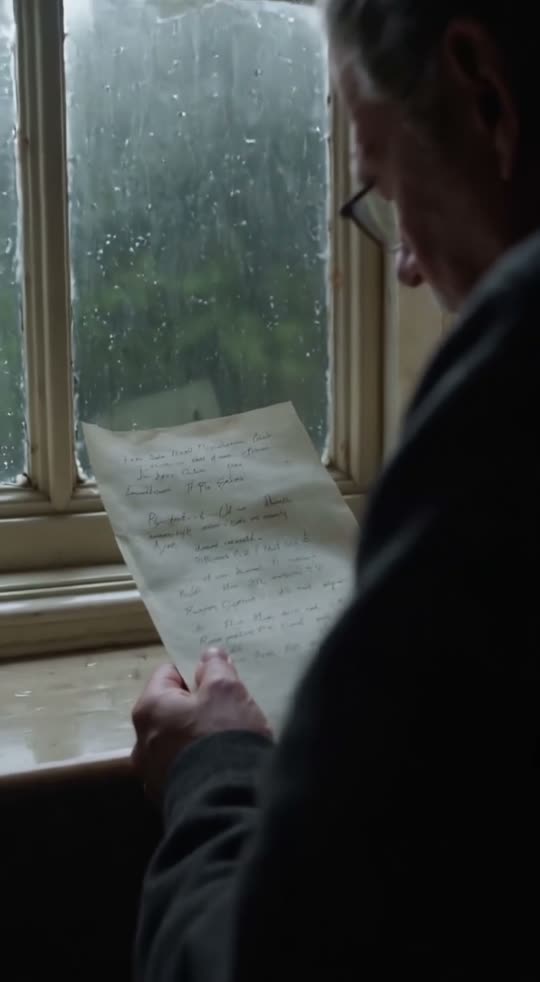
Slow cinematic dolly-in toward [your subject], the camera glides forward on a smooth track
 Orbit
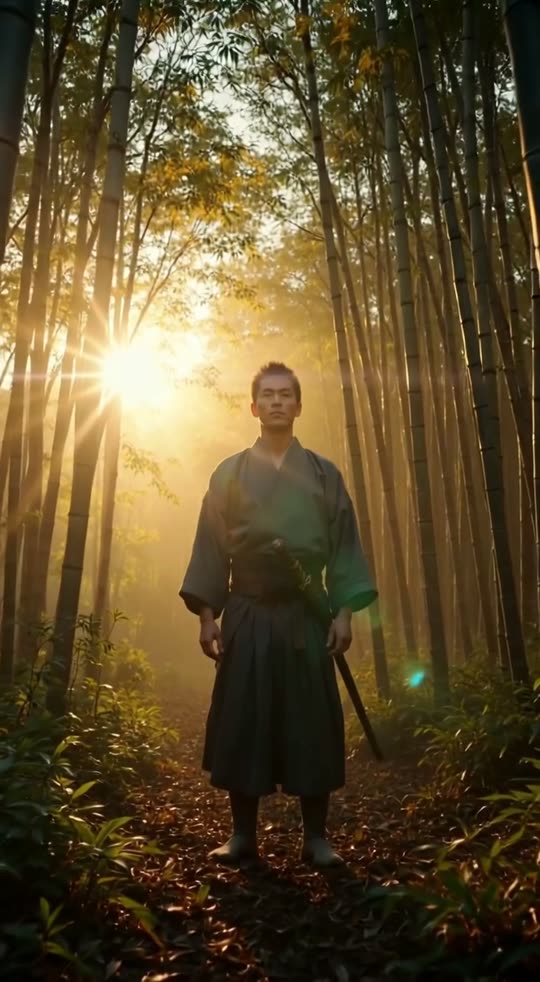
Smooth 180-degree orbit around [your subject], the camera circles at eye level
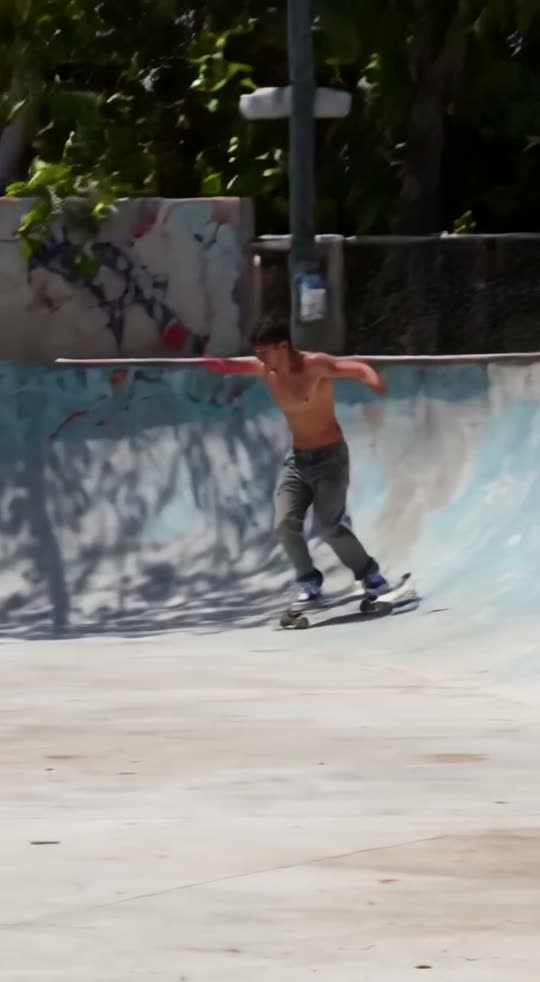 Crash zoom
Fast crash zoom onto [your subject], a sudden punch-in with motion blur, then the frame holds steady
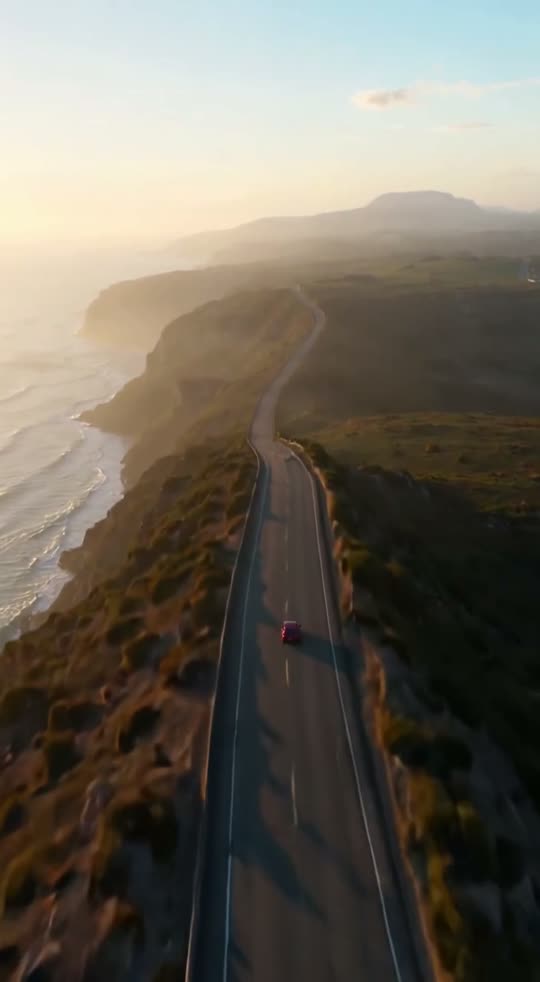 Drone flyover
A fast, low aerial drone shot that keeps [your subject] in the center, then rises to reveal the landscape
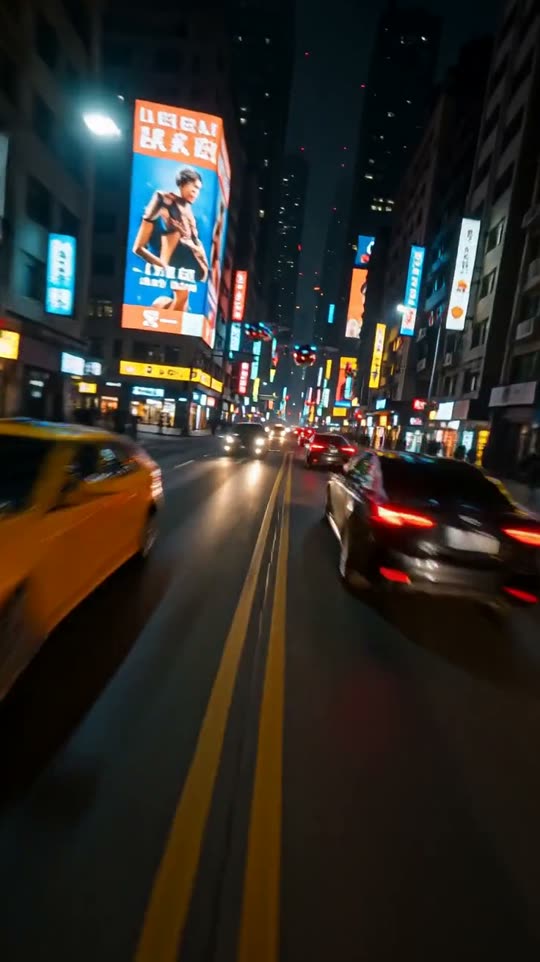 FPV dive
First-person drone flight gliding fast and low through [your subject]
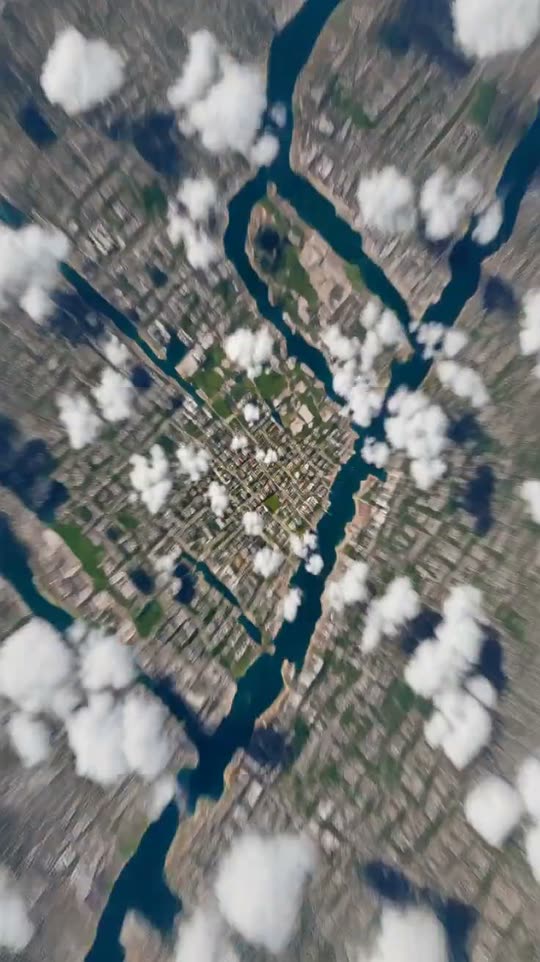 Earth zoom out
One continuous shot that starts close on [your subject] and pulls straight back and up into the sky
Light and look
The last part of a prompt sets the mood. A few words go a long way:
- golden hour, sunrise, sunset
- warm light and long shadows
- soft window light, overcast
- calm, even light for faces and things up close
- neon, night city
- strong color against the dark
- backlight, rim light
- a bright edge that lifts the subject off the background
- fog, steam, rain, falling snow
- depth and texture in the air
- shallow depth of field
- a sharp subject on a soft background
- wildlife footage, anime, claymation, film grain
- the style of the whole clip
Mistakes that waste a clip
Too much for five seconds
A chase, a crash and a rescue in one prompt give you one of them, or a blur of all three. Write one main action. For a story, use scenes.
A subject that reads two ways
Unusual subjects are where words alone go wrong most: in our own tests a fox spirit once came back as a woman eating noodles. Name the subject plainly first and add the details after it, or start from a picture with Animate a photo, so the model sees what you mean.
Words drawn in the picture
Video models draw letters badly, so a sign or a caption in the prompt often comes out as made-up characters. Add your words with Text on video in the form instead.
Saying what you don't want
“No people” can bring people in, because the word is in the prompt. Describe what is there instead: an empty street at dawn.
Two moves fighting
A fast orbit while the car speeds away mixes two motions into a shaky one. Give the camera one main move.
Let GenTok help
- Improve prompt
- On when the form opens: GenTok adds camera, light and detail to your words before the model gets them. Switch it off when you have written the whole shot and want it taken as it is. With several scenes, or more than one picture, your words always go in as they are.
- Effects
- Type the subject and the effect brings the camera, the light and the style. 58 effects, from crash zooms to Earth zoom outs. On an effect, More detail rewrites your words with extra detail, and the result varies more.
- Explore
- GenTok's own posts on Explore show the words that made them, with Use these words to start from them.
Which model for which shot
The five parts work on every model. The models differ in motion, length and price, and the form shows the exact price before you make anything.
- Write for Fast
Fast (LTX-2.5)
Quick drafts, about 1 min
5 or 10 seconds · from 20 credits
- Write for Premium
Premium (MiniMax H3)
Sharper motion, about 2 min
5 or 10 seconds · from 42 credits
- Write for Kling 4.0
Kling 4.0
Smooth, true-to-life motion up to 30 seconds
5, 10, 15 or 30 seconds · from 150 credits
- Write for Seedance 2.5
Seedance 2.5
Cinematic shots up to 30 seconds, in 1080p
5, 10, 15 or 30 seconds · from 220 credits
Questions
- How long should an AI video prompt be?
- One to four sentences: enough for the subject, the action, the place, the camera and the light. A five-second clip shows one moment, so a longer prompt adds detail, not more events.
- Do I have to describe the camera and the light myself?
- No. With Improve prompt on, which is how the form starts, GenTok adds camera, light and detail to your words. Write them yourself when you want a particular move or look, and switch Improve prompt off to have your words taken as they are.
- Why did my video not follow my prompt?
- Most often the prompt asked for more than one moment, or the subject could be read two ways. Keep one main action, put the subject first, or start from a photo.
- How do I make a video with more than one moment?
- Pick 2 or 3 scenes in the form and write each scene on its own. The video is 10 seconds long, made on Premium, and costs 64 credits. Each scene keeps your words as they are.
- Can I reuse the words from a clip I like?
- Yes. Every example on this page has Make this, which opens the form with its words. GenTok's own posts on Explore show the words that made them too.
- Does a video that fails cost credits?
- No. A video that does not finish gives its credits back.