
How to animate a logo with AI
Upload one picture of your logo and GenTok turns it into a short video: a cinematic reveal for the start of your videos, your logo in a scene you describe, or a product ad. Every clip on this page was made on GenTok from the logo or the photos shown beside it.
Three ways to animate a logo
Pick by where the video goes: an intro, an ad with your product, or a scene of your own.
Logo reveal
Your logo forms out of glowing particles and streaks of light, then settles in the middle of the frame with a shine. Made for the first seconds of a video.
- Starts from:
- Your logo
- Price:
- About 42 credits for 5 seconds on Premium

Your logo in a new scene
Upload your logo with a product photo or a photo of a person and describe the scene: the logo on a mug in a café, on a shop sign, on a T-shirt.
- Starts from:
- Up to 3 pictures on Premium, up to 9 on Seedance 2.5: your logo, a product, a person
- Price:
- About 42 credits for 5 seconds on Premium with one picture; more pictures can cost more, and the form shows the price first
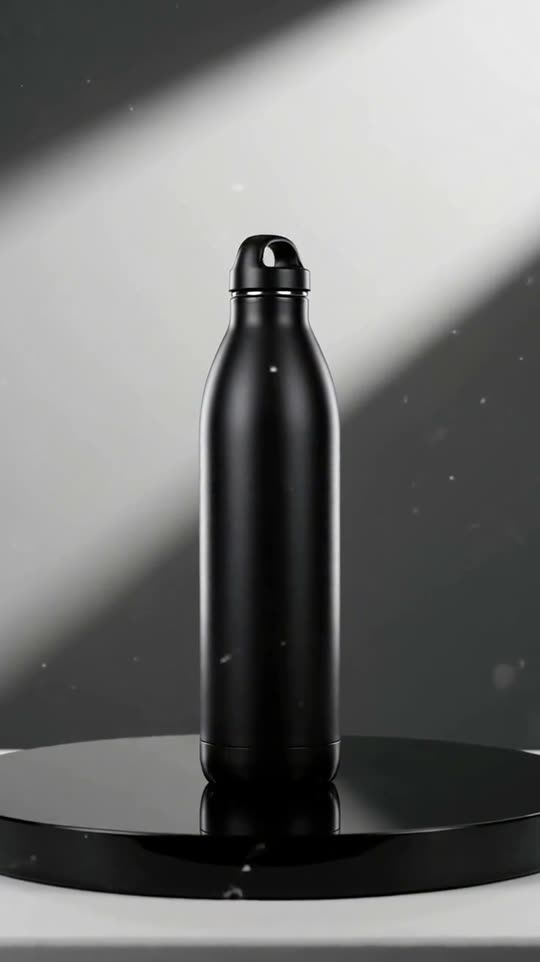
Product hero shot
A photo of your product with its label or logo on it turns slowly on a glossy pedestal in a studio commercial, with rim light and floating particles.
- Starts from:
- A photo of your product
- Price:
- About 22 credits for 5 seconds, or 44 on Premium
For the holidays, Christmas logo intro forms your logo out of golden sparkles, snowflakes and fairy lights. More ideas in how to make an ai christmas video.
Logo reveal examples: the logo that went in, and the clip
Five of our own logos, each uploaded as it was, with no words added: the effect wrote the rest. Point at a clip to play it; on a phone they play as you scroll.

An app icon on a dark square
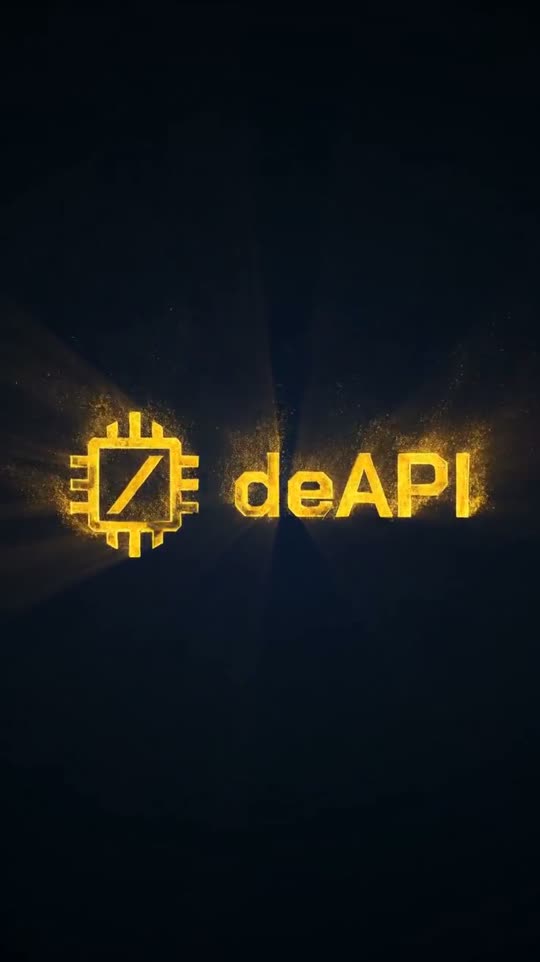
A wide wordmark on white


A round emblem
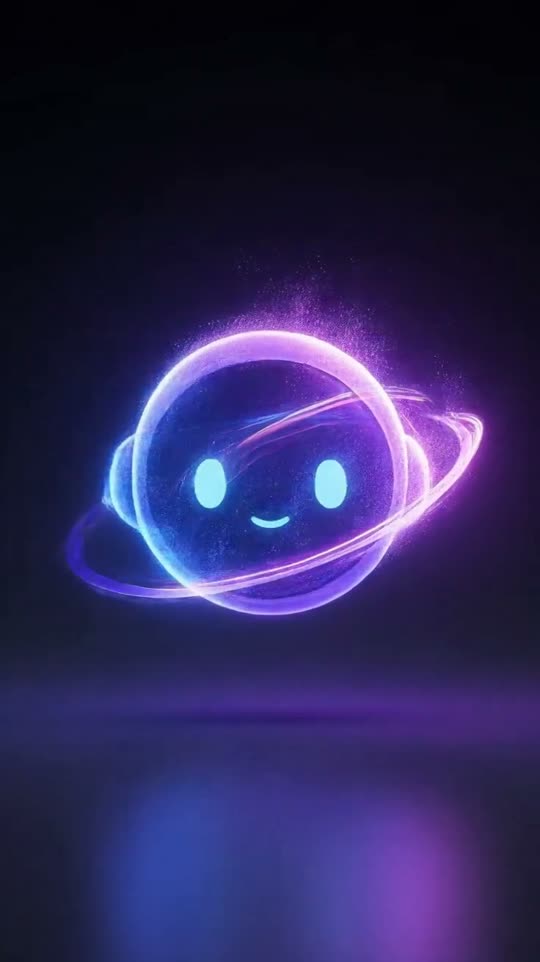

A mascot with its own glow
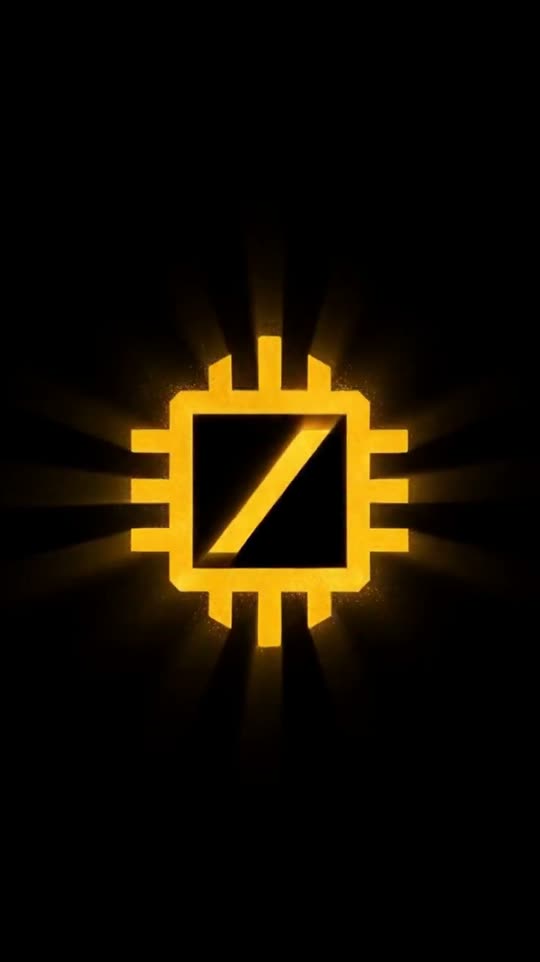

An icon on white
Your logo file
PNG, JPG or WebP, up to 10 MB
PNG works best. The picture goes in as it is: no need to cut it out or resize it first.
Square or wide, both work
The examples on this page include a square app icon and a wide wordmark. Your picture is not cropped: the effect looks at it and builds the frame around it.
Big shapes, few letters
Bold shapes keep their outline best. Large letters can come through clean, as the wide wordmark above did, but small lettering can change: look at the letters before you post the clip.
Your own logo only
Upload logos you own or have the right to use. The logos on this page are GenTok's own brands.
Step by step: a logo reveal
- 1Open Logo revealThe form opens in your browser. You need a free account only when you press Create.
- 2Add your logoDrop it, paste it or pick the file: a PNG, JPG or WebP up to 10 MB.
- 3Add a style, if you likeA few words such as “made of fire” or “made of water” go into the effect's prompt. Leave it empty for the look of the examples.
- 4Pick the format and the lengthVertical for TikTok, Reels and Shorts, wide for YouTube, or square. The price shows before you create.
- 5Create and downloadThe MP4 is ready in about two minutes, in your library.
Format and length
- Vertical 9:16
- TikTok, Reels and Shorts
- Wide 16:9
- the start of a YouTube video, a presentation, a website
- Square 1:1
- posts in a feed
- 5 or 10 seconds
- on Premium: about 42 or 64 credits
Want more than the logo in the shot? Write the scene yourself in Your photos & logo: the prompt guide shows how to describe the subject, the action, the camera and the light. More effects that start from a picture are in photo to video effects.
Questions
- Can AI animate my existing logo?
- Yes. Upload the logo you already have: Logo reveal builds the clip around that picture, and Your photos & logo puts it into a scene you describe. Look at small lettering in the result before you post it.
- What file should I upload?
- A PNG, JPG or WebP image up to 10 MB. PNG works best. Square icons and wide wordmarks both work: the examples on this page include both.
- How much does a logo animation cost?
- A 5-second logo reveal on Premium is usually about 42 credits, and 10 seconds about 64. Every video shows its price in credits before you create it, and a video that does not finish gives its credits back.
- How long does it take?
- About two minutes for a 5-second clip. You can close the page meanwhile: the video waits in your library.
- Can I change the style of the reveal?
- Yes. Add a few words such as “made of fire” or “made of water” and GenTok writes them into the effect's prompt. With no words you get the glowing particles and light of the examples.
- Can I use the video for my business?
- Yes. Download the MP4 and post it anywhere, including for your business: at the start of a YouTube video, in reels, in a presentation. Only upload logos you own or have the right to use.