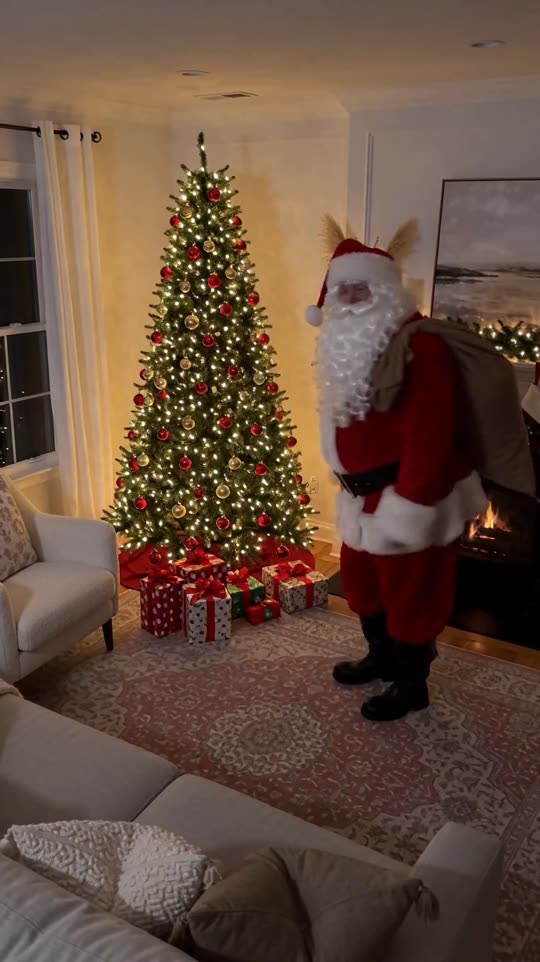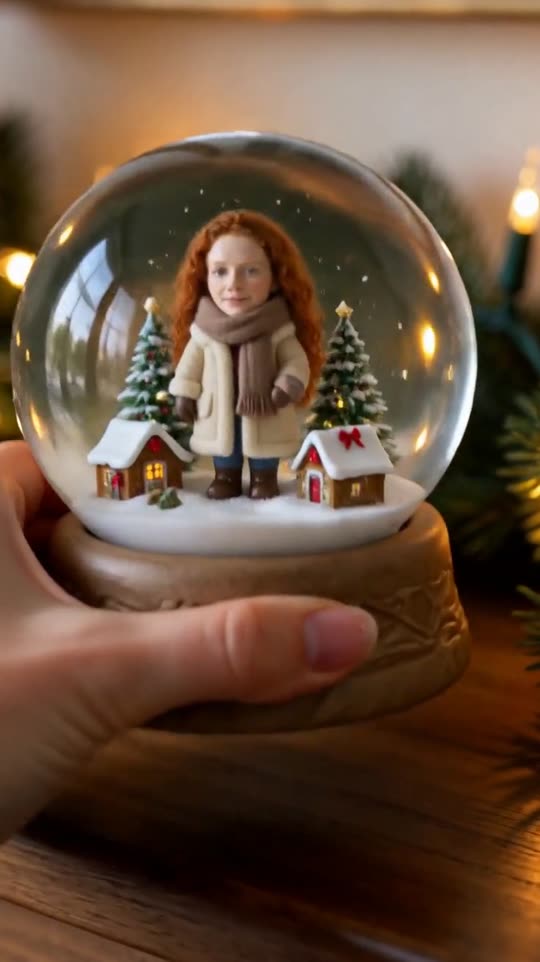
What is the AI christmas elf effect?
Watch yourself turn into one of Santa's elves: pointy ears, a green and red elf jacket and a striped hat with a little bell, while snow starts to fall around you. Still clearly you, and as cheerful as Christmas gets.
How to make an AI christmas elf video
- 1Open the effectClick “Make your own” on this page. You land on the Christmas elf form in GenTok.
- 2Add your photoA photo of you, looking at the camera. Drop it, paste it or pick a file. You can add a few words, for example “anything to add, e.g. they hold a wrapped present”.
- 3Choose the formatVertical 9:16 for TikTok, Reels and Shorts, wide 16:9 for YouTube, or square 1:1.
- 4Create and downloadYour MP4 is ready in about two minutes. Upscale it to HD if you like.
More Christmas videos to make, with their prices: How to make an AI Christmas video.
Christmas elf effect FAQ
How do I make an AI christmas elf video?+
Open the Christmas elf effect, upload a photo of you, looking at the camera, choose vertical, wide or square and press Create. Your video is ready in about two minutes.
How much does the christmas elf effect cost?+
Every video shows its price in credits before you create it (1 credit = $0.01). A 5-second Premium video is usually about 42 credits. Images on GenTok are free, 10 a day.
Will my christmas elf video look like the examples?+
Yes. The camera, light and style come from the effect's own prompt, so results look like the five examples above. Only your photo changes.
Can I use the christmas elf video on TikTok, Reels or YouTube?+
Yes. Download the MP4 and post it anywhere, including for your business. Vertical 9:16 fits TikTok, Reels and Shorts; wide 16:9 fits YouTube.