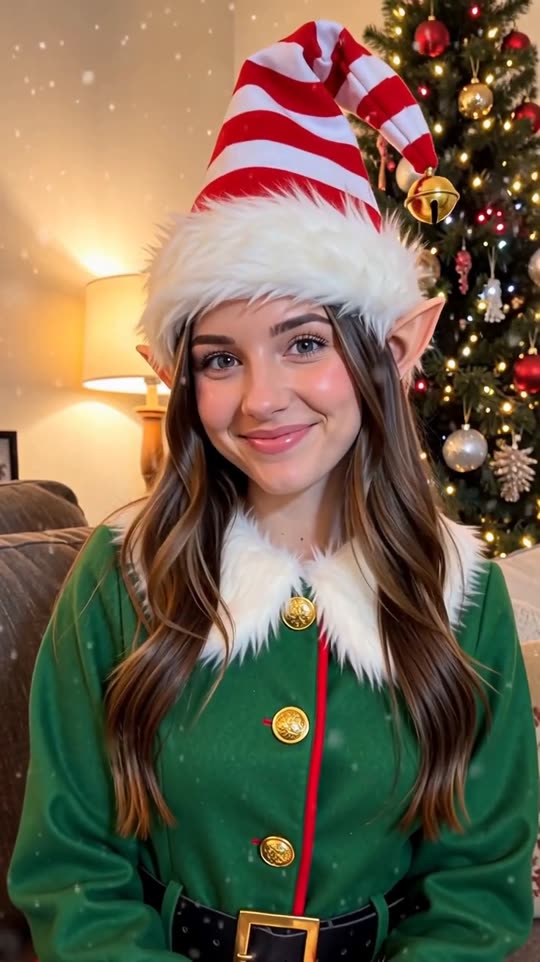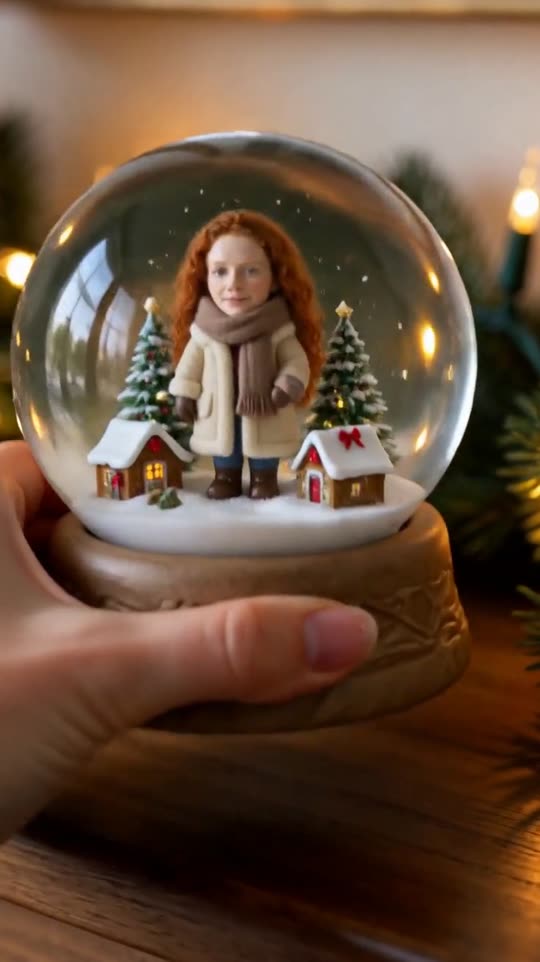
What is the AI santa caught on camera effect?
A home camera high in the corner of the living room catches Santa on Christmas Eve: he tiptoes past the tree, leaves the presents and helps himself to a cookie. Type what Santa does; the camera, the tree and the late-night look come from the effect.
How to make an AI santa caught on camera video
- 1Open the effectClick “Make your own” on this page. You land on the Santa caught on camera form in GenTok.
- 2Name your subjectType what should be in the shot, for example “Santa eats the cookies and drinks the milk”. The camera, light and style come from the effect.
- 3Choose the formatVertical 9:16 for TikTok, Reels and Shorts, wide 16:9 for YouTube, or square 1:1.
- 4Create and downloadYour MP4 is ready in about a minute. Upscale it to HD if you like.
More Christmas videos to make, with their prices: How to make an AI Christmas video.
Santa caught on camera video ideas to try
- Santa tiptoes in with his sack, puts three wrapped presents under the tree and looks aroundMake this
- Santa takes a bite of a cookie from the plate on the table, drinks the glass of milk and pats his bellyMake this
- Santa climbs out of the fireplace, brushes the soot off his suit and waves at the cameraMake this
- Santa trips over a toy truck on the rug, catches himself and laughs quietlyMake this
- Santa notices the camera, puts a finger to his lips, winks and tiptoes back toward the fireplaceMake this
- Santa eats the cookies and drinks the milkMake this
Santa caught on camera effect FAQ
How do I make an AI santa caught on camera video?+
Open the Santa caught on camera effect, type what should be in the shot — for example “Santa eats the cookies and drinks the milk” — choose a format and press Create. Your video is ready in about a minute.
How much does the santa caught on camera effect cost?+
Every video shows its price in credits before you create it (1 credit = $0.01). A 5-second Fast video is usually about 20 credits. Images on GenTok are free, 10 a day.
Will my santa caught on camera video look like the examples?+
Closest on Premium. The five examples above were made on Premium, and the camera, light and style come from the effect's own prompt. Fast costs less, and its motion is simpler. Only the words you type change.
Can I use the santa caught on camera video on TikTok, Reels or YouTube?+
Yes. Download the MP4 and post it anywhere, including for your business. Vertical 9:16 fits TikTok, Reels and Shorts; wide 16:9 fits YouTube.