
AI image to video generator
Turn a photo into a video in one to two minutes. Say what should happen and the picture starts to move, or give a first and a last picture and get the move between them.
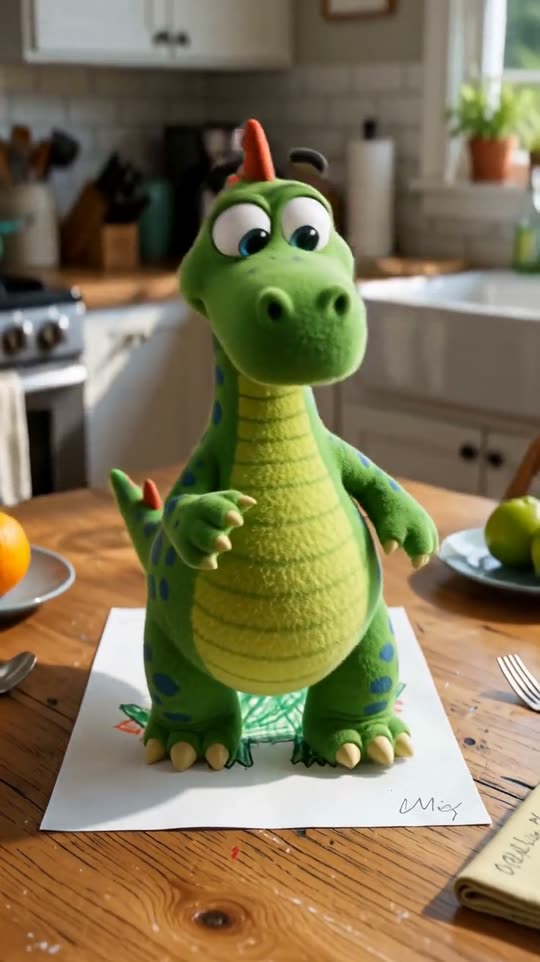
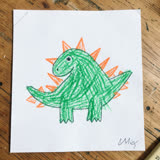
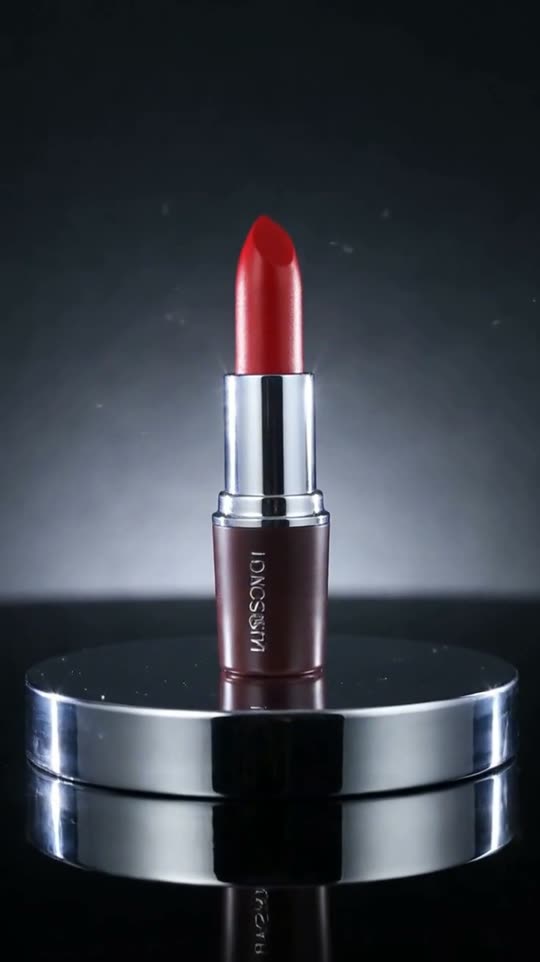

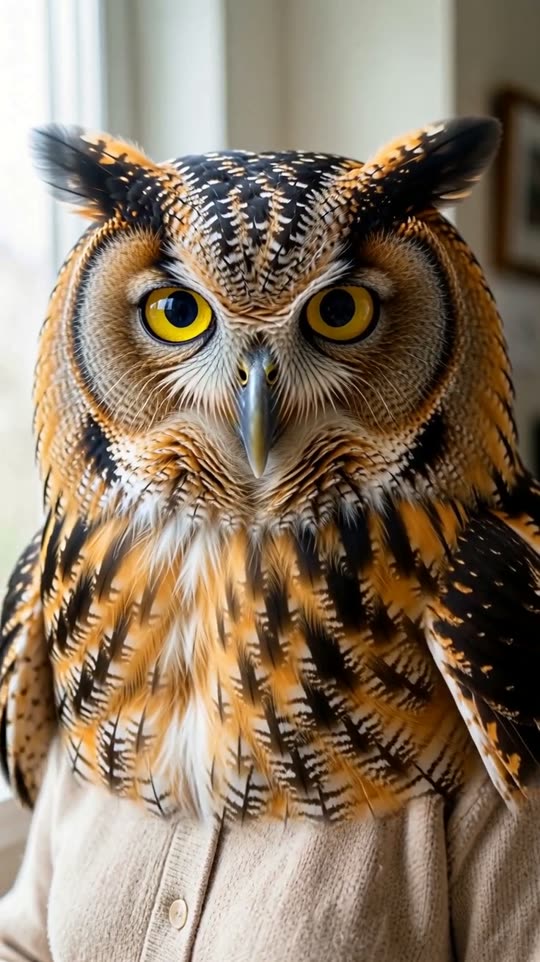

- Starts from
- One picture, or two
- Ready in
- One to two minutes
- Format
- 9:16, 16:9 or 1:1, as MP4
- Price
- From 20 credits for 5 seconds
Five ways to turn an image into a video
What went in is in the corner of each clip. Every clip here was made on GenTok.
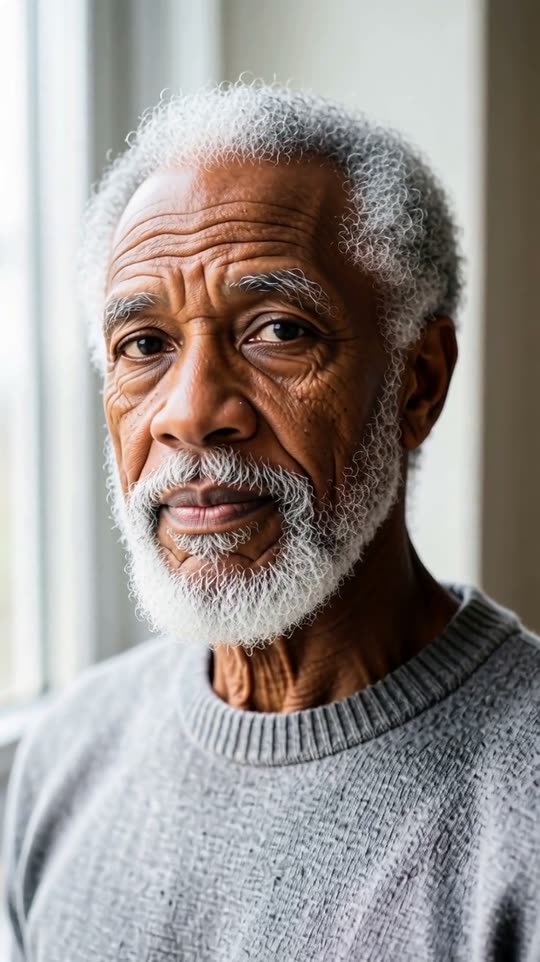
Animate a photo
Your photo is the first frame, and a few words say what happens next. Here, a portrait grows old over a lifetime.
From 20 credits for 5 seconds

Start to end
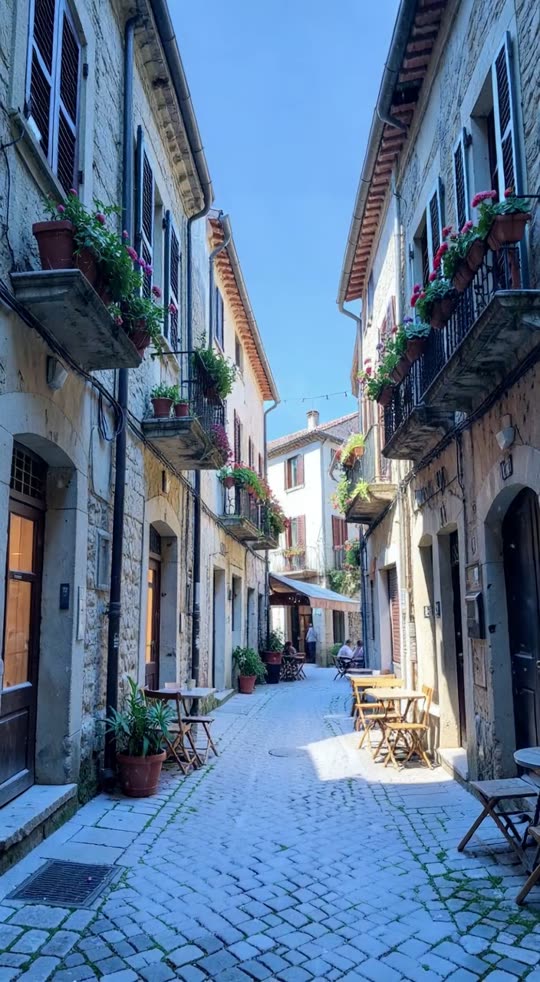
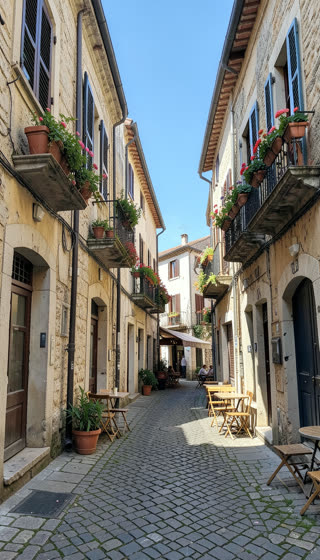
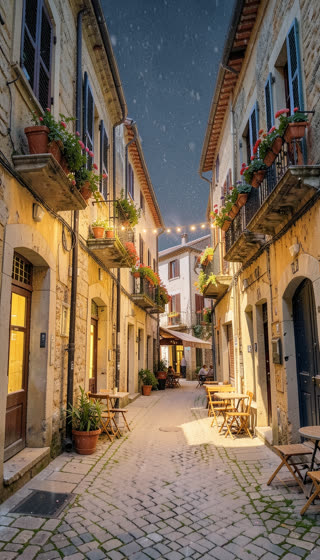
Give a first and a last picture, and the video makes the move between them: here, the same street by day and by night.
From 20 credits for 5 seconds
Your photos & logo
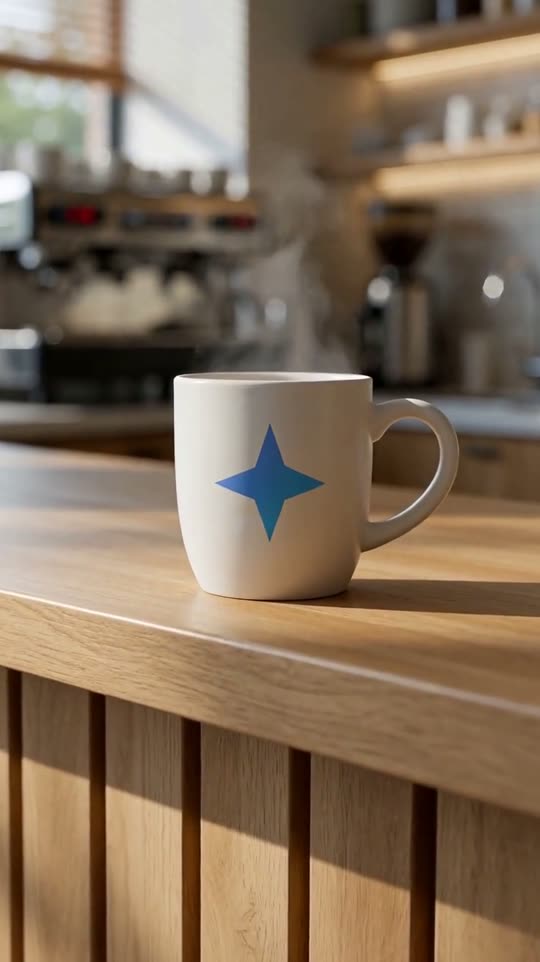
A product photo and a logo, and a sentence about the scene: they come out together in a new shot, ready for an ad.
From 42 credits for 5 seconds on Premium


Talking photo
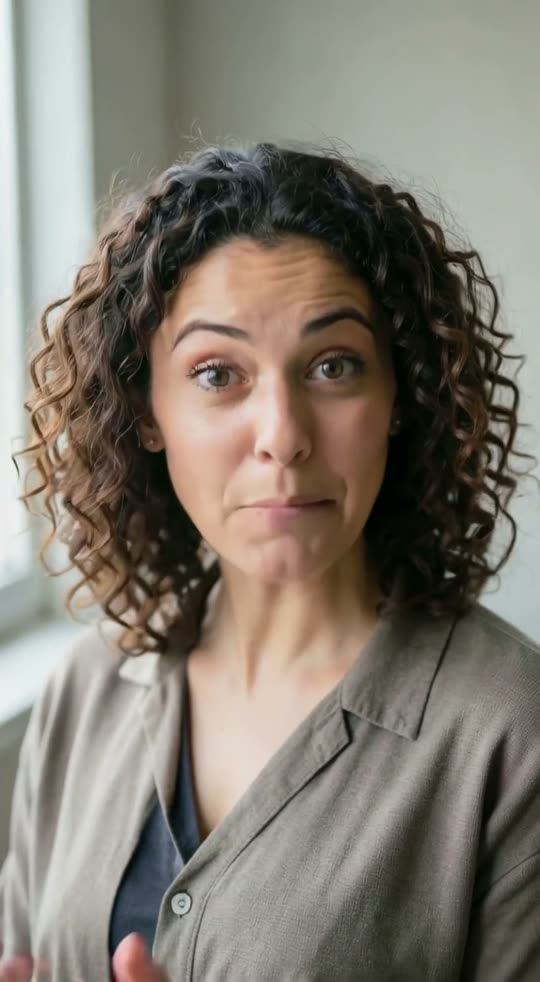
One face, the words you want said and a voice: the face says them, with captions.
About 23 credits

A photo effect
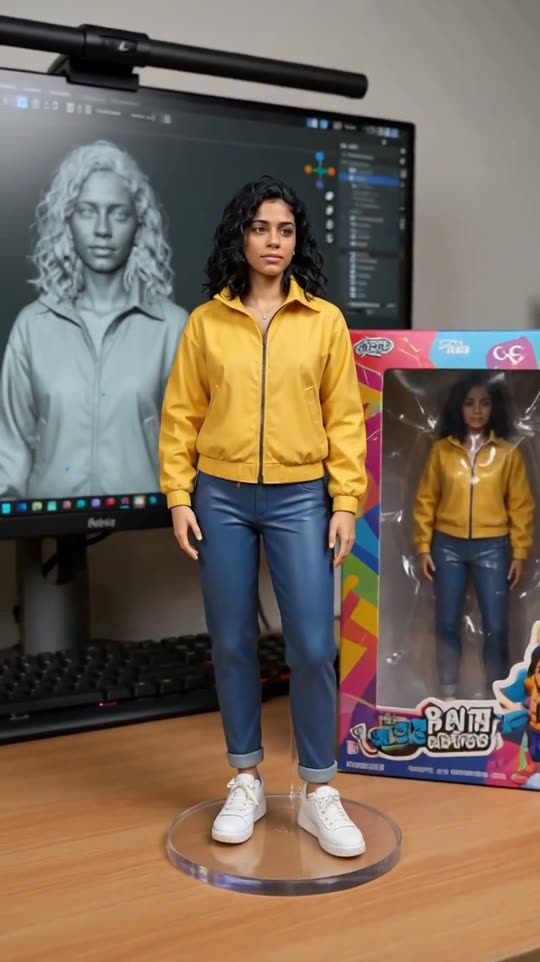
24 ready-made scenes that start from one photo, from a collectible figure to a red carpet. You add the photo, the effect brings the rest.
From 22 credits for 5 seconds

How to turn an image into a video
- Pick how to startAnimate a photo, Start to end, Your photos & logo, Talking photo or a photo effect. The form opens in your browser; you need a free account only when you press Create.
- Add your picture and say what happensDrop, paste or pick the file. Describe the motion in a sentence, or leave it to the effect.
- Pick the format and the lengthVertical 9:16, wide 16:9 or square 1:1, and how many seconds. The price shows before you create.
- Create and downloadYour MP4 is ready in one to two minutes, in your library. Post it anywhere.
Video models that animate a picture
The models in the form, with the price of each one's shortest video.
- Fast (LTX-2.5)
- from 20 credits
- Quick drafts, about 1 min. 5 or 10 seconds.
- Premium (MiniMax H3)
- from 42 credits
- Sharper motion, about 2 min. 5 or 10 seconds.
- Kling 4.0
- from 150 credits
- Smooth, true-to-life motion up to 30 seconds. Up to 1080p.
- Seedance 2.5
- from 220 credits
- Cinematic shots up to 30 seconds, in 1080p.
Questions about image to video
How do I turn an image into a video with AI?
Open Animate a photo, add your picture, write what should happen (for example “the waves roll in and the camera slowly pulls back”), pick the format and the length, and press Create. The video is ready in one to two minutes, as an MP4.
How much does it cost to turn a photo into a video?
A 5-second video from a picture starts at 20 credits on Fast and 42 on Premium; Kling 4.0 starts at 150 and Seedance 2.5 starts at 220. Every video shows its price in credits before you create it (1 credit = $0.01), and a video that does not finish gives its credits back. Images on GenTok are free, 10 a day.
Which pictures work best?
A sharp picture in the shape of the video you want: tall for 9:16, wide for 16:9. A person should face the camera with nothing covering the face. PNG, JPG or WebP, up to 10 MB; a photo straight from your phone is fine.
Can I make two pictures into one video?
Yes. Start to end takes a first and a last picture and makes the move between them, for example the same street by day and by night. Your photos & logo takes several pictures (a face, a product, a logo, a place) and puts them together in a new scene.
Can I make a photo talk?
Yes. Talking photo takes a face, the words and a voice, and makes the face say them, with captions. It costs about 23 credits.
Can I put my own face into a video?
Yes. 18 effects start from one photo of you, such as Red carpet or Movie fight scene, and in Templates any viral clip in the library can be made again with your face.
Can I use a photo of someone else?
Only with their permission: upload a photo of a real person only if you are that person or they have agreed to it. Our Content Policy has the details.
Can I use the videos for my business?
Yes. Download the MP4 and post it anywhere, including for your business: vertical 9:16 for TikTok, Reels and Shorts, wide 16:9 for YouTube, or square 1:1. Only upload pictures you own or have the right to use.
More ways to make a video
- AI text to video
A video from a sentence: one shot, or a story in two or three scenes.
- AI photo to video effects
Action figures, cartoons, plushies and more, all from one photo.
- Templates
Viral clips you can make again with your own face or your pet.
- How to animate a logo with AI
A cinematic logo reveal or a product ad from one picture of your logo.
- How to write AI video prompts
How to describe the motion, the camera and the light.
- GenTok in Claude and ChatGPT
Ask for a video in a chat; the ones from a picture open here.