
AI text to video generator
Write what should happen and get a video in about a minute. One shot, or two and three scenes that play one after another with the same characters.
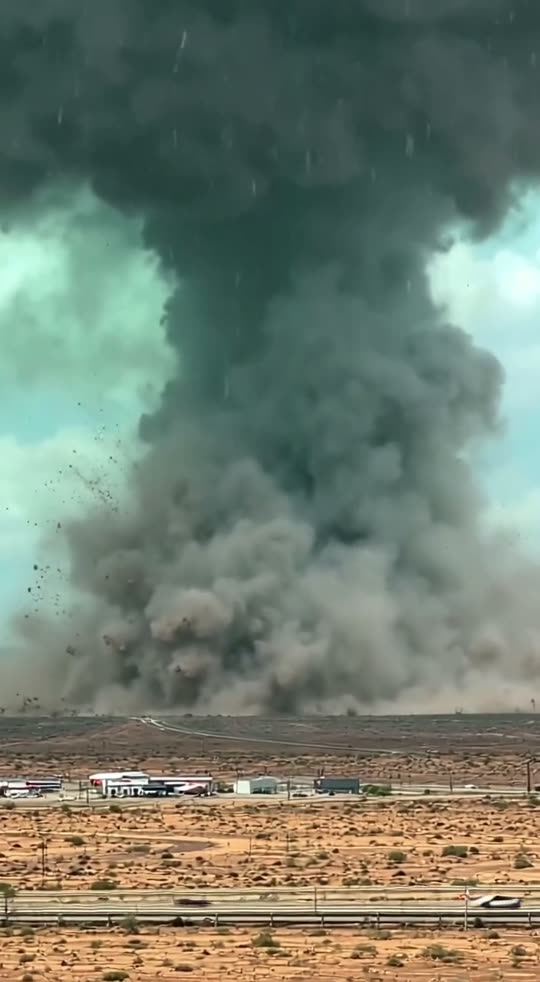 Tornado“a desert highway with a lonely gas station”
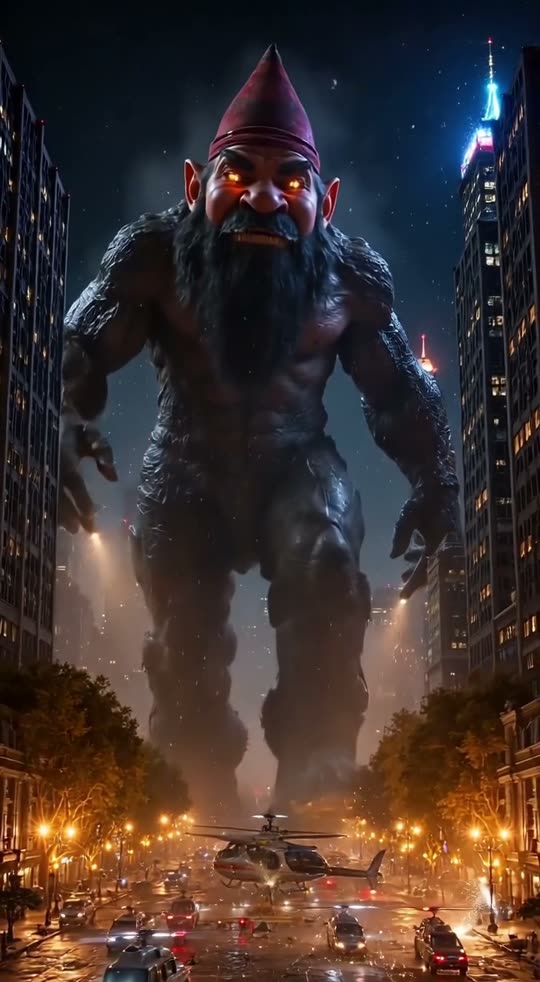 Giant monster“a giant garden gnome”
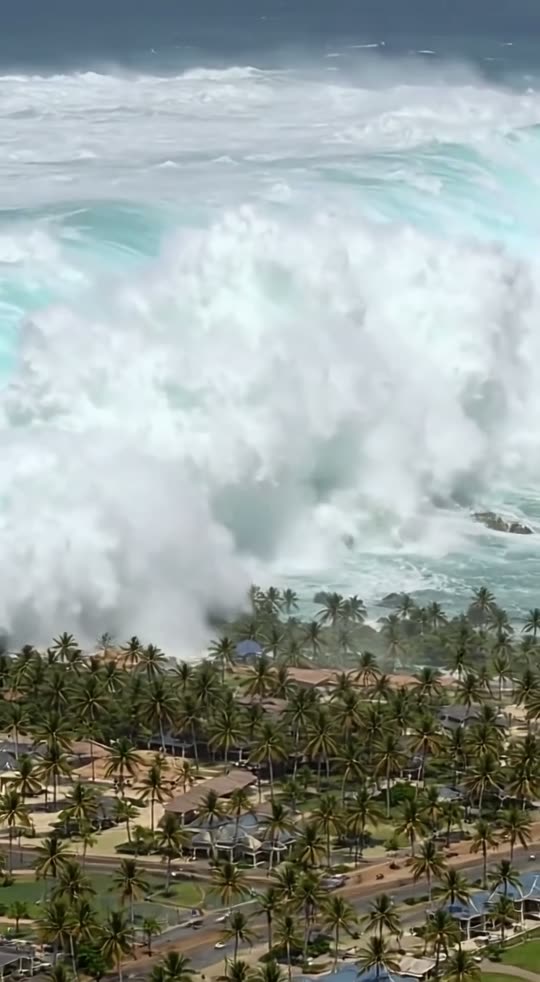 Tsunami“a tropical beach resort with palm trees”
- Starts from
- A sentence or a few
- Ready in
- About a minute on Fast
- Length
- 5 to 30 seconds
- Price
- From 20 credits for 5 seconds
A few words, a whole scene
Effects write the prompt for you: you type only what is in the shot. Under each clip, the words that were typed for it. 38 effects work this way.
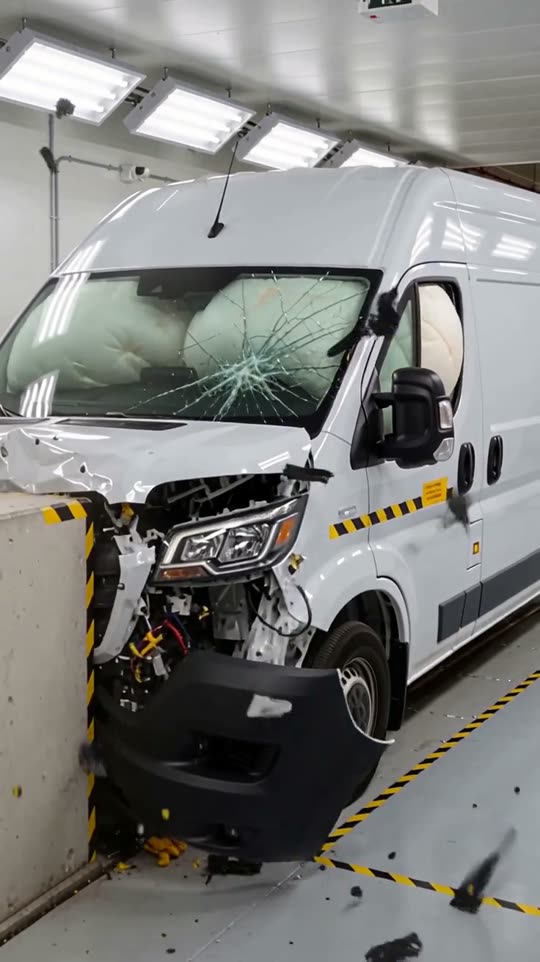 Crash test“A white delivery van”
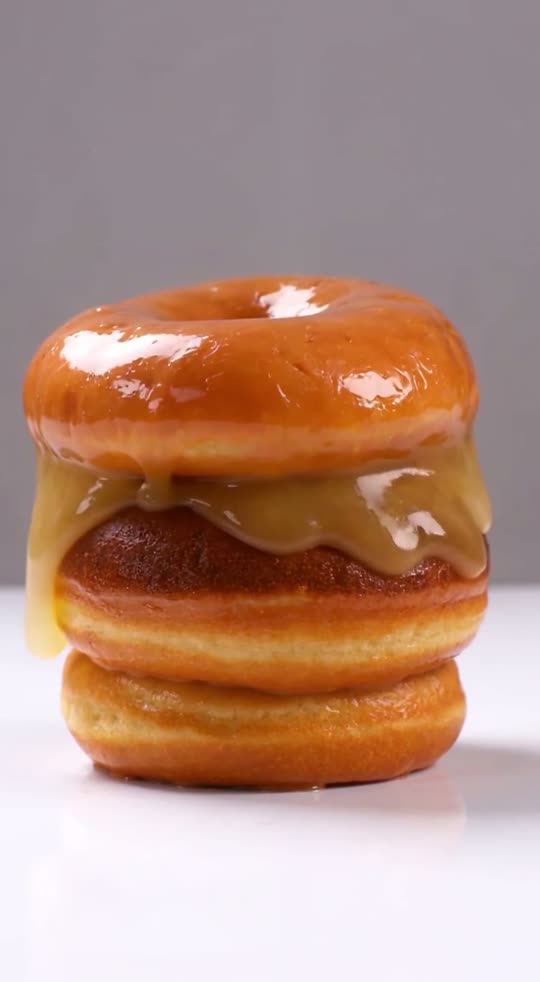 Melting“a stack of colorful donuts”
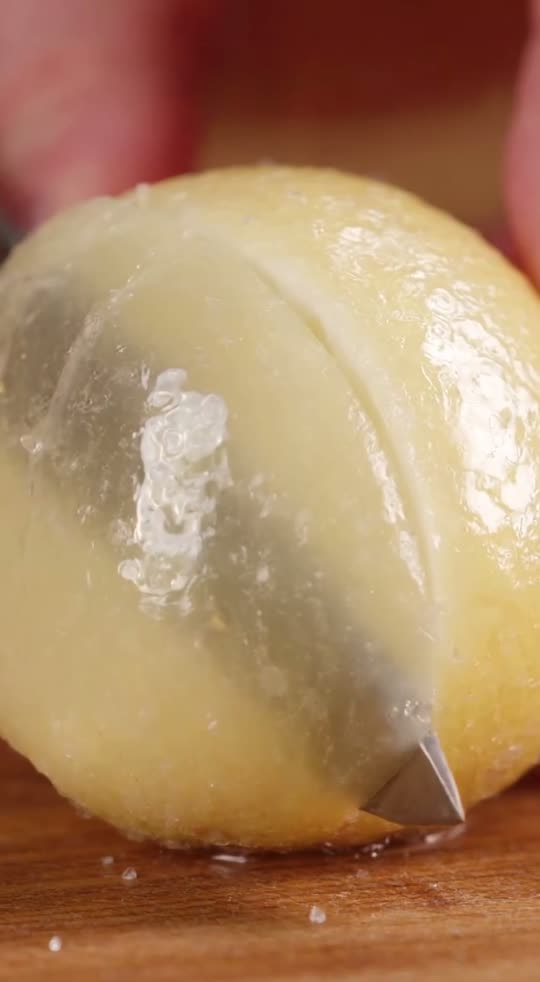 Glass fruit ASMR“a glass lemon”
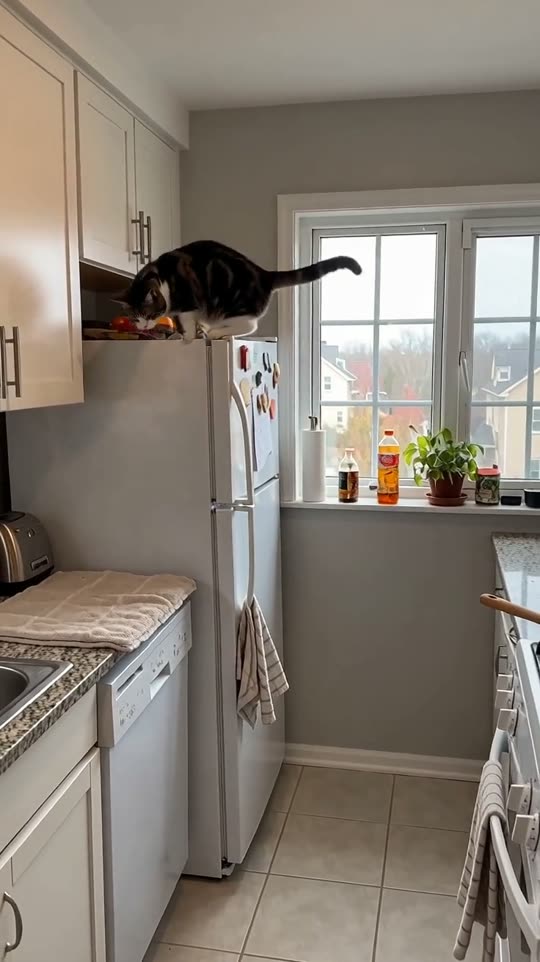 Epic fail“A cat tries to leap from the kitchen counter onto the top of the fridge”
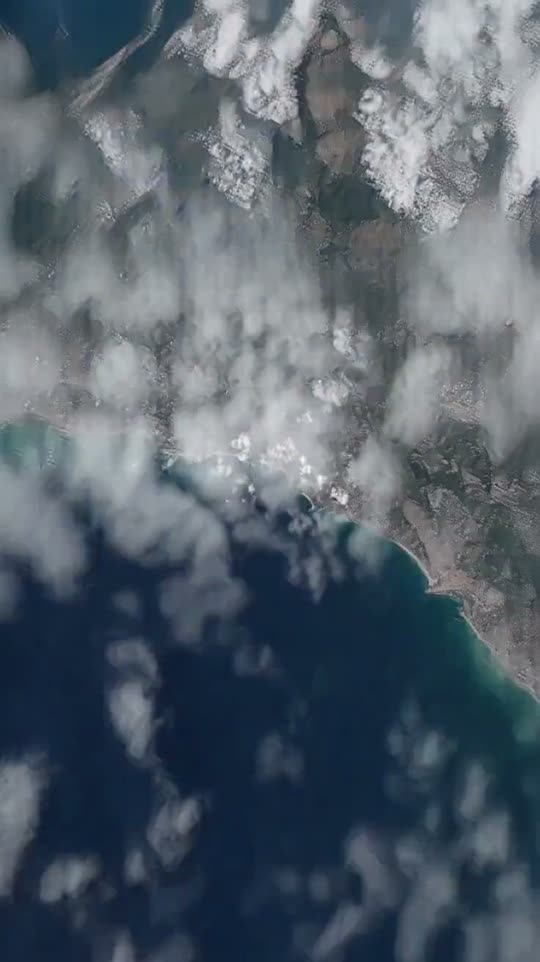 Earth zoom out“a red sailboat on a calm sea”
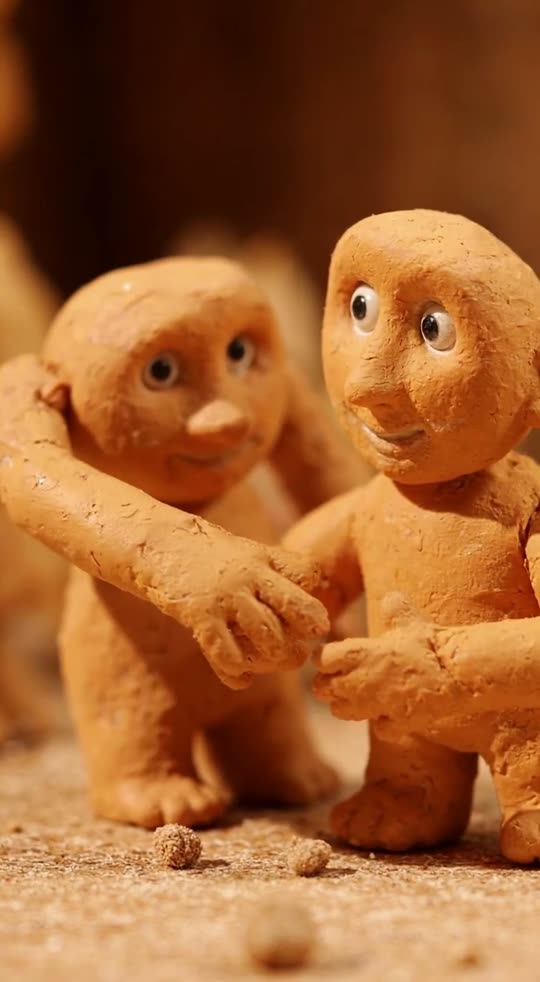 Claymation“a wizard casting a spell”
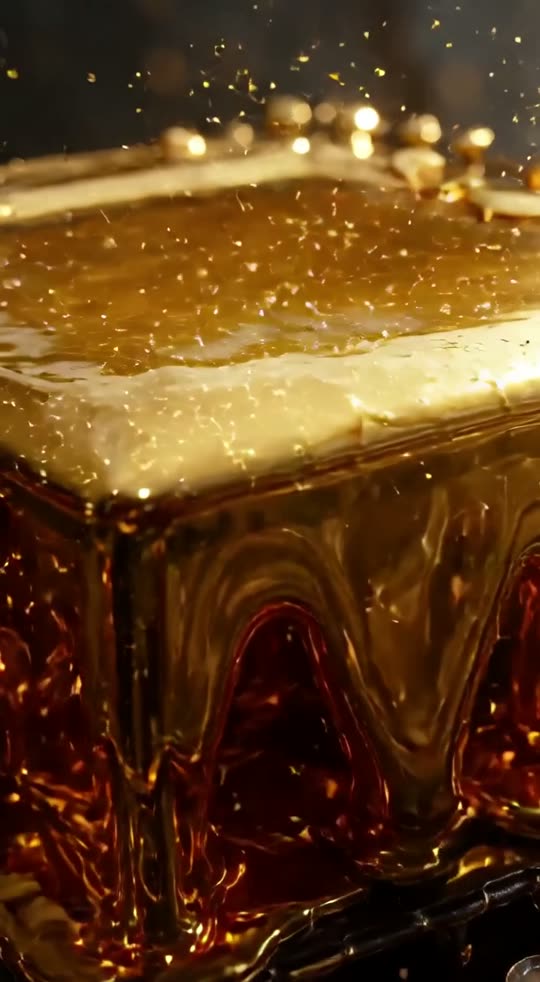 Turn to gold“a vintage typewriter”
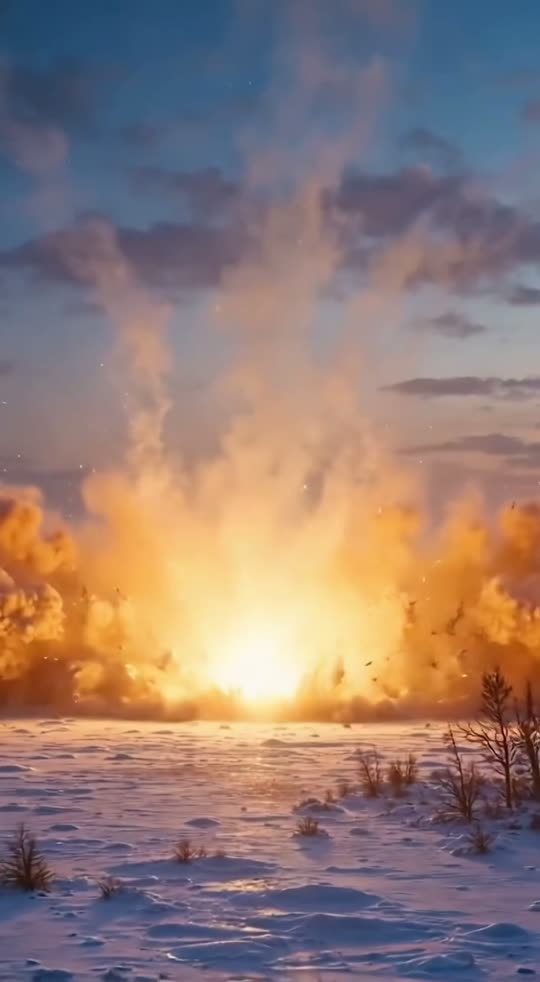 Meteor strike“a frozen tundra”
A story in two or three scenes
Pick two or three scenes in the form and write a line for each. They play one after another in a 10-second Premium video, with the same character in every scene, for about 64 credits.
- Scene 1Runs to catch the tram
- Scene 2Jumps in as the doors close
- Scene 3Smiles at the city lights
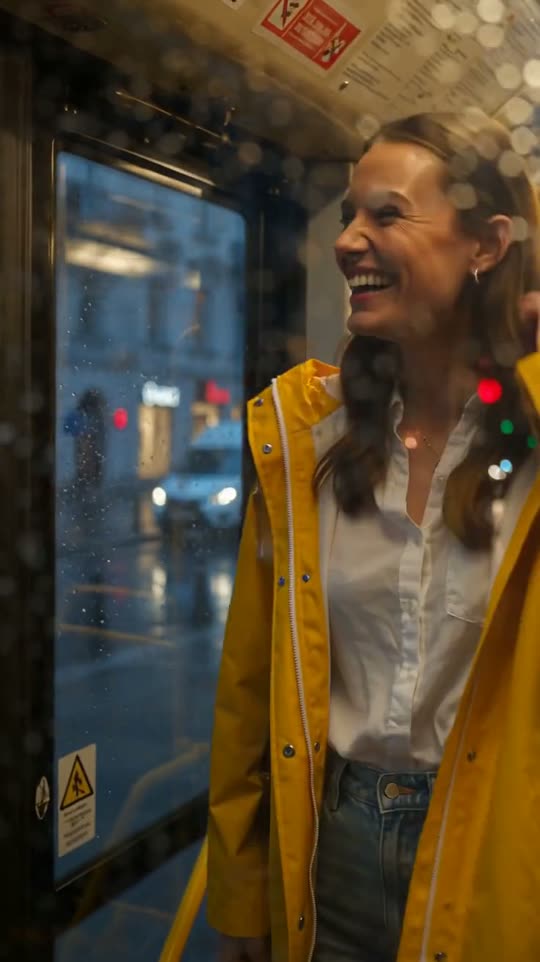
Same words, two models
One story, made once on Fast and once on Premium. Fast gives a quick draft; Premium takes a little longer and keeps the motion sharper.
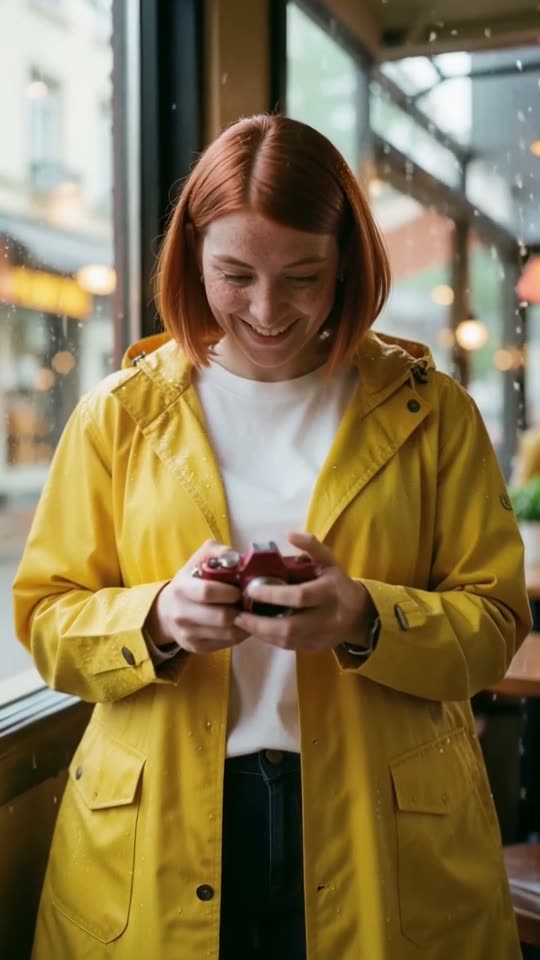
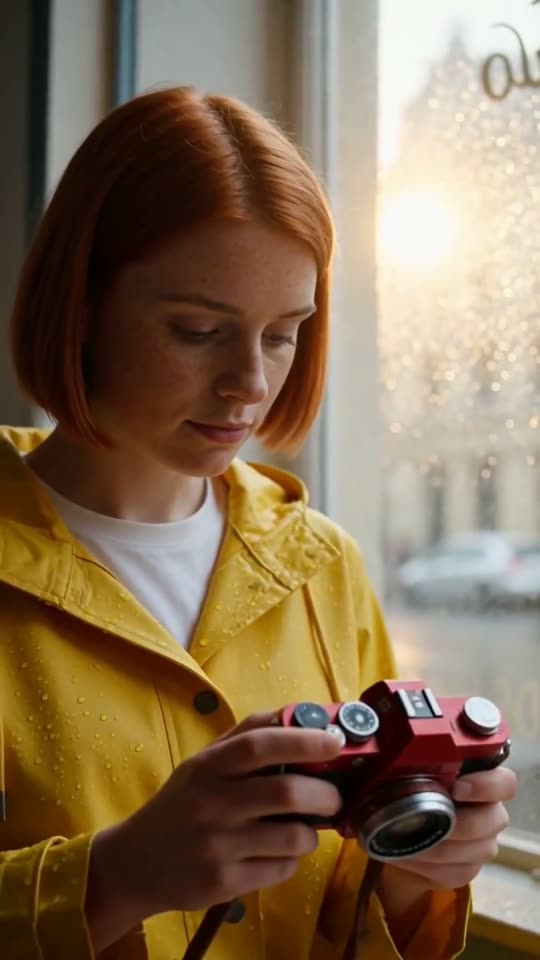
Video models in the form
With the price of each one's shortest video.
- Fast (LTX-2.5)
- from 20 credits
- Quick drafts, about 1 min.
- Premium (MiniMax H3)
- from 42 credits
- Sharper motion, about 2 min.
- Kling 4.0
- from 150 credits
- Smooth, true-to-life motion up to 30 seconds.
- Seedance 2.5
- from 220 credits
- Cinematic shots up to 30 seconds, in 1080p.
How to make a video from text
- Describe what happensWho or what is in the shot, where, what moves and how the camera follows. The prompt guide has examples.
- Pick the model, the format and the lengthVertical 9:16, wide 16:9 or square 1:1. The price shows before you create, and you need a free account only when you press Create.
- Create and downloadA Fast video is ready in about a minute, a Premium one in about two. Download the MP4 and post it anywhere.
Questions about text to video
How do I make a video from text with AI?
Open Text to video and describe what should happen in a sentence or two: who or what is in the shot, where, what moves and how the camera follows. Pick the model, the format and the length, and press Create. A Fast video is ready in about a minute, as an MP4.
How much does an AI text to video cost?
A 5-second video is 20 credits on Fast and 42 on Premium; Kling 4.0 starts at 150 and Seedance 2.5 starts at 220. A 10-second story in three scenes is about 64. Every video shows its price before you create it (1 credit = $0.01), and a video that does not finish gives its credits back.
How long can an AI video be?
Fast and Premium make 5 or 10 seconds; Kling 4.0 and Seedance 2.5 make up to 30 seconds, in 1080p if you like. For a longer film, make several videos and put them together in any editor.
Which model should I pick?
Fast (LTX-2.5): Quick drafts, about 1 min. Premium (MiniMax H3): Sharper motion, about 2 min. Kling 4.0: Smooth, true-to-life motion up to 30 seconds. Seedance 2.5: Cinematic shots up to 30 seconds, in 1080p. Start on Fast to try the words, then make the one you like on a bigger model.
Do I have to write a long prompt?
No. Improve prompt is on by default and adds the camera, the light and the detail to what you write. Effects need even less: you type only what is in the shot, like “a lighthouse on a cliff”, and the effect writes the rest.
Can I make a video with several scenes?
Yes. Pick two or three scenes in the form and describe each one: they play one after another in a 10-second Premium video with the same characters, for about 64 credits.
Can I make a video from text in ChatGPT or Claude?
Yes. Connect GenTok to Claude or ChatGPT once, then ask for the video in plain words. The chat shows the price and hands you the video, with the same account and the same credits.
Can I use the videos for my business?
Yes. Download the MP4 and post it anywhere, including for your business: vertical 9:16 for TikTok, Reels and Shorts, wide 16:9 for YouTube, or square 1:1.
More ways to make a video
- AI image to video
Make a photo move, or get the move between two pictures.
- How to write AI video prompts
The five parts of a prompt, camera moves and light, with real clips.
- All AI video effects
Tornadoes, melting, crash tests and more, each with five examples.
- Templates
Viral clips you can make again with your own face or your pet.
- GenTok in Claude and ChatGPT
Ask for a video in a chat, with the same account and credits.